OVERVIEW
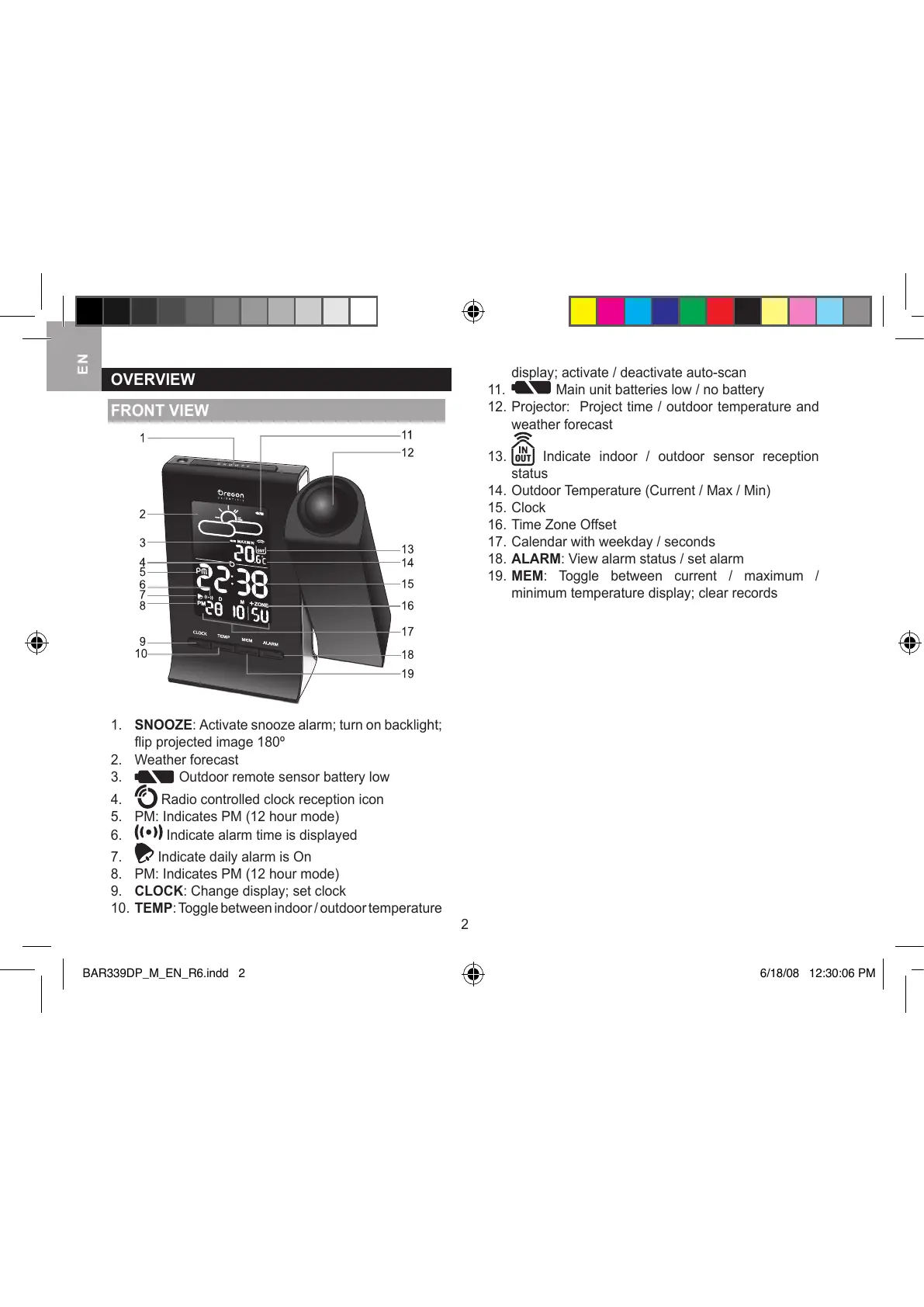
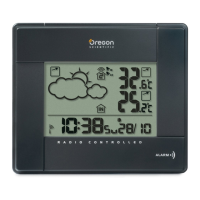
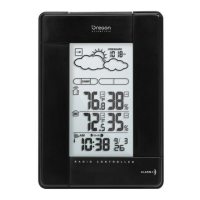
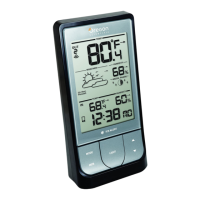
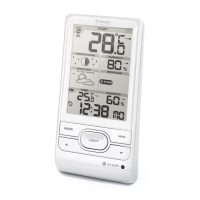
FRONT VIEW
1. SNOOZE: Activate snooze alarm; turn on backlight;
flip projected image 180º
2. Weather forecast
3. Outdoor remote sensor battery low
4.
Radio controlled clock reception icon
5. PM: Indicates PM (12 hour mode)
6.
Indicate alarm time is displayed
7.
Indicate daily alarm is On
8. PM: Indicates PM (12 hour mode)
9. CLOCK: Change display; set clock
10. TEMP: Toggle between indoor / outdoor temperature
display; activate / deactivate auto-scan
1
1.
Main unit batteries low / no battery
12. Projector: Project time / outdoor temperature and
weather forecast
13.
Indicate indoor / outdoor sensor reception
status
14. Outdoor Temperature (Current / Max / Min)
15. Clock
16. Time Zone Offset
17. Calendar with weekday / seconds
18. ALARM: View alarm status / set alarm
19. MEM: Toggle between current / maximum /
minimum temperature display; clear records




 To Next Page