To select different stations:
Press STATION repeatedly.
RADIO SLEEP MODE
The radio is equipped with a countdown sleep timer
that can be set to switch the radio off after up to 120
minutes.
1. Press
to enter radio sleep mode.
2. Press
to change the sleep time setting (120, 90,
60, 45, 30, 15, 0).
3. Press
any key to exit radio sleep mode. The sleep
timer will be automatically activated.
WEATHER FORECAST
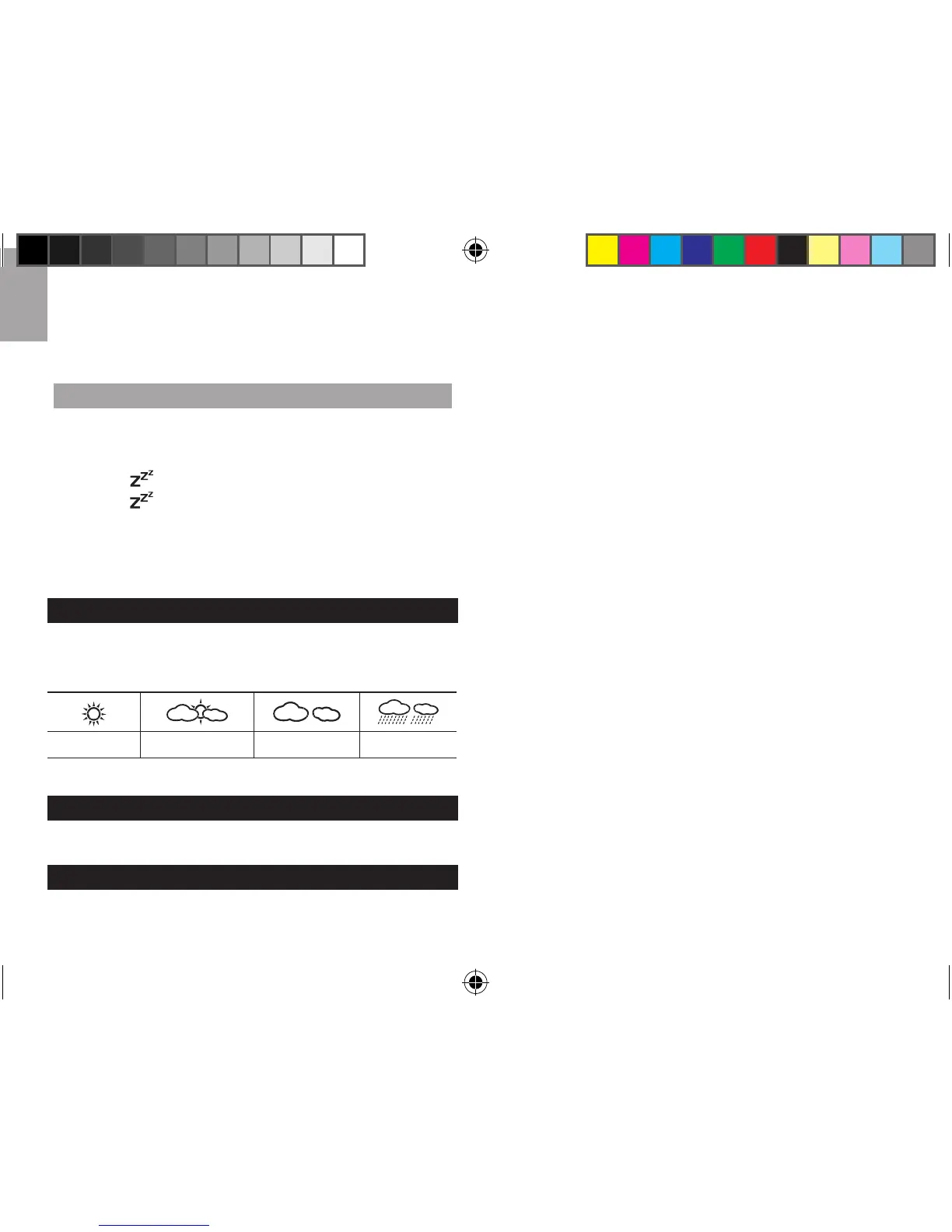
This product forecasts the next 12 to 24 hours of
weather within a 30-50 km (19-31 mile) radius with a
75% accuracy.
Sunny Partially Cloudy Cloudy Rainy
RESET
Press RESET to return to the default settings.
PRECAUTIONS
• Do not subject the unit to excessive force, shock,
dust, temperature or humidity.
• Do not cover the ventilation holes with any items such
as newspapers, curtains etc.
• Do
not immerse the unit in water. If you spill liquid
over it, dry it immediately with a soft, lint-free cloth.
• D
o not clean the unit with abrasive or corrosive
materials.
• Do
not tamper with the unit’s internal components.
This invalidates the warranty.
• Only
use fresh batteries. Do not mix new and old
batteries.
• I
mages shown in this manual may differ from the
actual display.
• When
disposing of this product, ensure it is collected
separately for special treatment.
• Placement
of
this product on certain types of wood
may result in damage to its finish for which Oregon
Scientific will not be responsible. Consult the furniture
manufacturer's care instructions for information.
• The
contents of this manual may not be reproduced
without the permission of the manufacturer.
• Do
not dispose old batteries as unsorted municipal
w
aste. Collection of such waste separately for special
treatment is necessary.
• P
lease note that some units are equipped with a
b
attery safety strip. Remove the strip from the battery
compartment before first use.





 To Next Page