EN
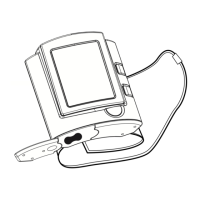
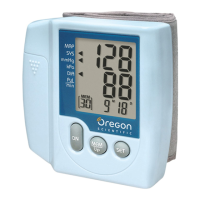
TALKING WRIST TYPE
BLOOD PRESSURE MONITOR
Model: BPW813
USER MANUAL
1
CONTENTS
Introduction ......................................................... 2
Key Features ....................................................... 2
Front View ....................................................... 2
Rear View ........................................................ 3
LCD Symbols .................................................. 3
Safety and Care Instructions ............................. 4
Safety Precautions .......................................... 4
Caring for Your Blood Pressure Monitor .......... 5
About Blood Pressure ........................................ 5
How the Blood Pressure Monitor Works .......... 7
Getting Started .................................................... 7
Installing and Replacing the Batteries ............. 7
Setting Date, Time and Measurement Units ... 8
Positioning the Wrist Cuff ................................ 8
Voice Playback of Blood Pressure Measurements ...
9
Volume Control ................................................ 9
Taking a Blood Pressure Measurement ............ 9
Recalling Measurements Stored in Memory .. 11
Deleting a Measurement Record from Memory .. 12
Deleting the Latest Record ........................... 12
Deleting All Records ..................................... 13
Troubleshooting ............................................... 13
Technical Specifications .................................. 15
About Oregon Scientific ................................... 16
Information About the CE Mark ....................... 17
Blood Pressure Log Book ................................17
%3:B(1B5D 10/20/04, 5:13 PM2



 To Next Page