10
EN
unless the AC / DC adaptor is used.
• Adjust the FOCUS knob to make the image clearer.
• Adjust the IMAGE ROTATION knob to rotate the image
clockwise or anti-clockwise.
• Manually tilt the projection unit to position the image or
press the 180
° ROTATION button to reverse the image
and turn it upside down.
NOTE You can also press the SNOOZE / LIGHT button to
project the time and alarm status for 8 seconds.
WAKE-UP VIBRATING ALARM – VR101
(OPTIONAL)
The vibrating alarm receives a signal from the clock and
performs a wake-up function by vibrating. It is designed to
go under your pillow.
The device has a range of roughly 15 metres and has an
LED meter to show data transmission and battery level.
The switch within the vibrating alarm can adjust to alarm 1
or alarm 2, or both. Simply select the alarm time on the
clock unit when you want the vibrating alarm to wake you
up.
NOTE The vibrating alarm is powered by 2 x UM-3 / AA
1.5V batteries (included). It is also compatible with
rechargeable batteries (not included).
The talking clock language can be changed in the Clock
Setting Mode, see the “Set Clock / Calendar” section for
further information.
TALKING CLOCK VOLUME
To change the talking clock volume, press or when the
voice-activated function is on.
ERASE THE TALKING CLOCK TRAINED VOICE
COMMANDS
1. Turn the AC adaptor power OFF and then ON again, or
press RESET.
2. Press and hold Sound / on / off and the screen below
will appear.
3. Press TALK to erase the trained voice commands. The
“IIII” icon will stop moving when the memory has been
erased.OCK
/ CALENDAR
PROJECTION UNIT
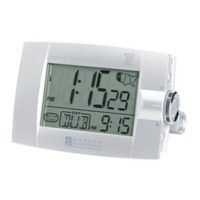
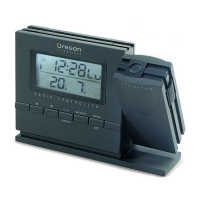
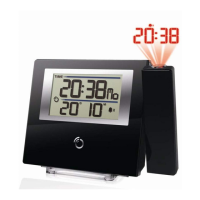
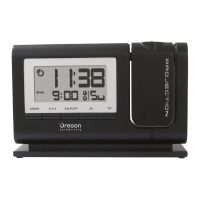
The projection unit can display both time and alarm status.
To use this feature:
• Slide the PROJECTION switch to ON to activate
continuous projection. However, this function will not work
RM998PSmanual-E 04/12/23, 5:26 PM10




 To Next Page