EN
1
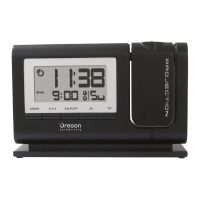
Dual-Band RF
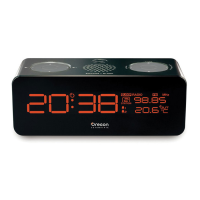
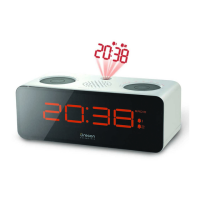
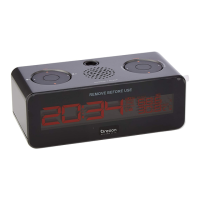
Projection Clock with FM Radio
Model: RRM326P
USER MANUAL
CONTENTS
Introduction .............................................................. 2
Product Overview .................................................... 2
Front View ............................................................ 2
Back View ............................................................. 3
LCD Display ......................................................... 3
Getting Started ......................................................... 4
Batteries ............................................................... 4
AC Adaptor ........................................................... 4
About RF Reception ................................................. 4
Turn the Radio Reception ON / OFF .................... 5
Clock / Calendar ....................................................... 5
Clock / Calendar Display ...................................... 5
Set Clock / Calendar ............................................ 5
FM Radio ................................................................... 6
Operating the Radio ............................................. 6
Radio Stations ...................................................... 6
Sleep .................................................................... 6
Backlight ................................................................... 6
Alarm ......................................................................... 7
Alarm Display and Sound ..................................... 7
Set the Alarm(s) ................................................... 7
Activate / Deactivate the Alarm(s) ........................ 7
Snooze / Turning the Alarm OFF .......................... 7
Projection Unit ......................................................... 7
Reset the Clock ........................................................ 8
Warnings ................................................................... 8
Troubleshooting ....................................................... 9
Technical Specifications ......................................... 9
Notices .................................................................... 10
Statement of Responsibility ................................ 10
About Oregon Scientific ........................................ 10
EC-Declaration of Conformity ............................... 10
RRM326P_EN_output 03/09/2005, 14:441



 To Next Page
 General