EasyManua.ls Logo

Oregon LM300 - User Manual

Oregon LM300
24 pages
Print Icon
To Next Page IconTo Next Page
Loading...
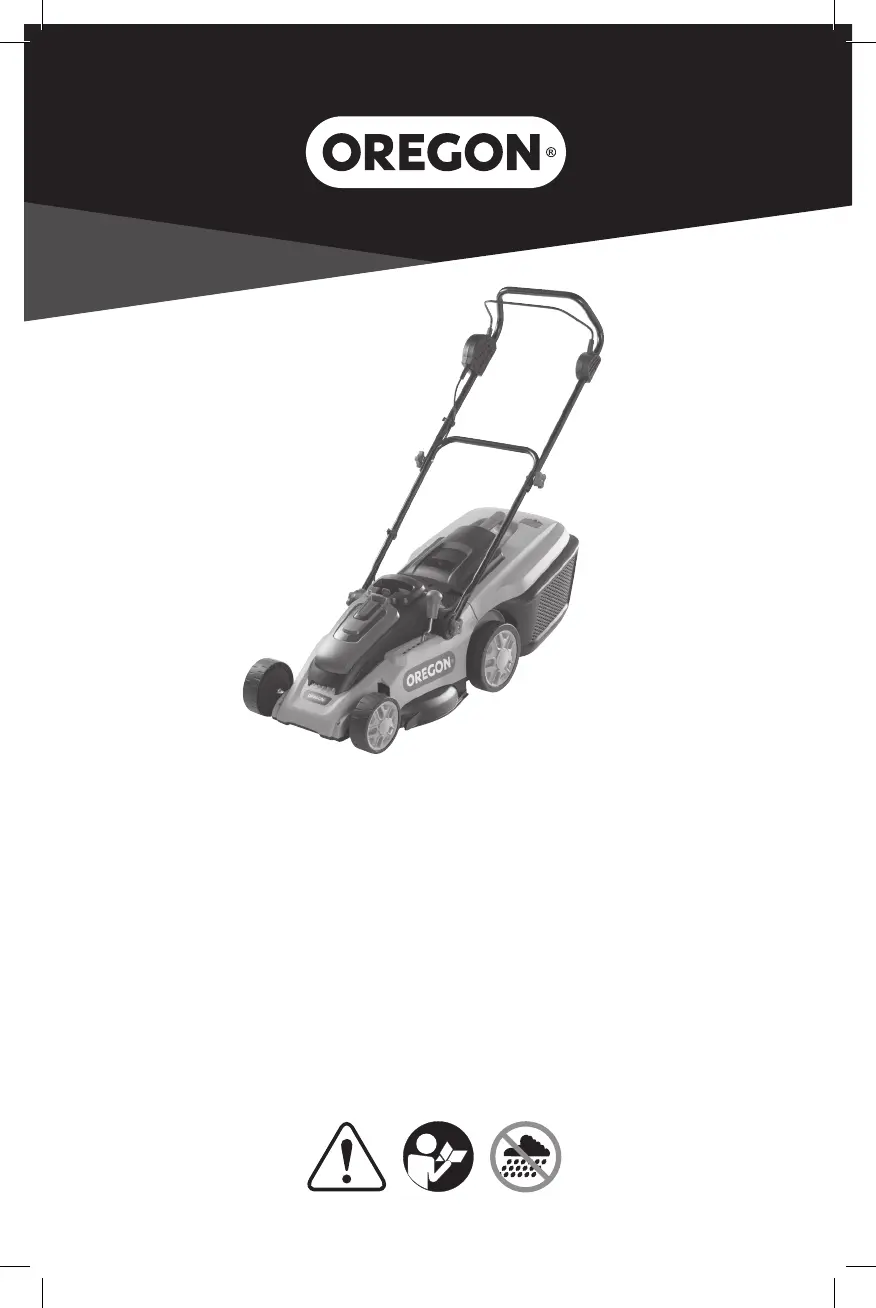
Original Instruction Manual
Lawn Mower Model LM300
Manuel d’Instructions Original
Tondeuse à Gazon Modèle LM300
Manual de Instrucciones Original
Cortacésped Modelo LM300

Questions and Answers

  • C
    csweeneySep 23, 2025
    What to do if charge control LEDs do not light up after inserting the mains plug into the socket for Oregon Lawn Mower?
    • J
      jamesingramSep 23, 2025
      If the charge control LEDs don't light up after plugging in your Oregon Lawn Mower, ensure the mains plug of the battery charger is fully inserted into the socket outlet.
  • U
    uramirezAug 23, 2025
    What to do if Oregon Lawn Mower leaves ragged finish and/or motor labours?
    • S
      Shelley YangAug 25, 2025
      If your Oregon Lawn Mower leaves a ragged finish or the motor labours, consider the following: * Cutting height: Increase the height of the cut. * Blade condition: Replace or sharpen the cutting blade. * Clogging: Remove the battery and safety key, then clear any obstructions from underneath the lawn mower, wearing gardening gloves. * Blade position: Ensure the blade is fitted correctly. Remove the battery and safety key before refitting the blade.
  • J
    Joseph LeeAug 25, 2025
    Why Oregon Lawn Mower motor starts and stops immediately?
    • T
      Travis JohnsonAug 26, 2025
      If the motor of your Oregon Lawn Mower starts and stops immediately, the issue might be due to: * Insufficient battery charge: Charge the battery fully. * Incorrect safety key insertion: Ensure the safety key is correctly and fully inserted. * Improper battery insertion: Properly insert the battery. * Battery temperature: Allow the battery to cool or warm if it is too hot or cold.
  • B
    Brandon GuzmanAug 26, 2025
    What to do if Oregon LM300 Lawn Mower cutting blade is not rotating while garden product switched on?
    • C
      chelsealeeAug 27, 2025
      If the cutting blade of your Oregon Lawn Mower isn't rotating when switched on: * Check for obstructions: Remove the battery and safety key, then clear any obstructions, wearing gardening gloves. * Tighten blade nut/bolt: Remove the battery and safety key, then tighten the blade nut/bolt to 15 Nm.
  • J
    Jordan GonzalezAug 27, 2025
    How to increase area of cut (battery duration) of Oregon Lawn Mower?
    • P
      Paige GoodmanAug 27, 2025
      To increase the area of cut (battery duration) for your Oregon Lawn Mower: * Adjust cutting height and speed: Increase the height of cut and walk slower. * Address grass conditions: If the grass is too high, increase the height of cut and walk slower. If the grass is wet or damp, wait until it is dry and walk slower. If the grass is dense, increase the height of cut, walk slower, and cut more frequently.
  • E
    Elizabeth RussellSep 16, 2025
    Why Oregon LM300 Lawn Mower functions intermittently?
    • M
      Melissa StevensonSep 16, 2025
      If your Oregon Lawn Mower functions intermittently, the motor protector may have activated. Allow the motor to cool and increase the height of cut.
  • D
    Douglas AtkinsSep 13, 2025
    What to do if area of cut (battery duration) not large enough with Oregon LM300 Lawn Mower?
    • B
      Brian JohnsonSep 13, 2025
      If the area of cut isn't large enough with your Oregon Lawn Mower (limited battery duration), try increasing the height of the cut and walking slower. If the grass is too high, do the same: increase the cutting height and walk slower. Also, avoid cutting when the grass is wet or damp; wait until it's dry and walk slower. For dense grass, increase the cutting height, walk slower, and cut more frequently.
  • P
    Philip FrenchSep 14, 2025
    What to do if Oregon LM300 Lawn Mower cutting blade not rotating while garden product switched on?
    • J
      Jessica MedinaSep 15, 2025
      If the cutting blade of your Oregon Lawn Mower isn't rotating when switched on, it may be obstructed. Remove the battery and safety key, then clear any obstruction. Alternatively, the blade nut or bolt might be loose. In this case, remove the battery and safety key, then tighten the blade nut or bolt to 15 Nm.
  • D
    Dr. Diana RussellSep 5, 2025
    What to do if Oregon LM300 cutting blade is not rotating?
    • J
      James GordonSep 5, 2025
      If the cutting blade of your Oregon Lawn Mower is not rotating while the tool is switched on, it could be because the cutting blade is obstructed. To fix this, remove the battery and safety key, then clear the obstruction, always wearing gardening gloves. Another reason could be that the blade nut or bolt is loose. To resolve this, remove the battery and safety key and then tighten the blade nut or bolt to 15 Nm.
  • A
    Ashley SanchezSep 3, 2025
    What to do if Oregon Lawn Mower leaves ragged finish and/or motor labors?
    • S
      strongdanielSep 3, 2025
      If your Oregon Lawn Mower leaves a ragged finish or the motor labors, it could be due to several reasons. The height of cut may be too low, so increase it. The cutting blade might be dull, so replace or sharpen it. There might be possible clogging; in that case, remove the battery and safety key, then clear any obstructions, always wearing gardening gloves. Finally, the blade might be fitted upside down; if so, remove the battery and safety key, then refit the blade correctly.

Summary

Product Identification

Symbols and Labels

Safety Rules and Operation

Maintenance

Recommendations for optimal handling of the battery and charger

Guidance on safe charging and handling of battery packs and chargers.

Assembly

Inserting and Removing the Battery Pack

Steps for inserting and removing the battery pack with safety precautions.

Adjusting the Cutting Height

How to adjust the mower's cutting height for different grass lengths.

Operation

Intended Use

Specifies the garden product's intended purpose for domestic lawn mowing.

Stopping the Machine

Instructions on how to safely stop the lawn mower during operation.

Battery Pack and Charger

Battery Pack LED Charge-Level Indicator

Explains the LED indicators for battery charge level on the pack.

Charger LED Charge-State Indicator

Details the LED indicators on the charger for charging status and errors.

Transport

Disposal

Instructions on how to properly dispose of the product and its components.

Troubleshooting

Specifications

Warranty and Service

Service and Support Information

Contact details and information for customer service and technical support.

Oregon LM300 Specifications

General IconGeneral
BrandOregon
ModelLM300
CategoryLawn Mower
LanguageEnglish

Related product manuals