Ⅲ Initialize and Format New Drives under Microsoft Windows
New drive need to be initialized and formatted or it won't work. Please follow the
following direction to initialize and format your drive if you are mounting a new drive.
(1) Please ensure you have mounted drive to ORICO dock properly and attach the orico
dock to computer.
(2) Right click on computer, Select “Manage”, Open “Disk Management” in “Storage” of
opened windows. a popup will come up here suggest a new drive need to be initialized.
please select the disks and click ok will get it initialized.
2.3.2 Remove Devices
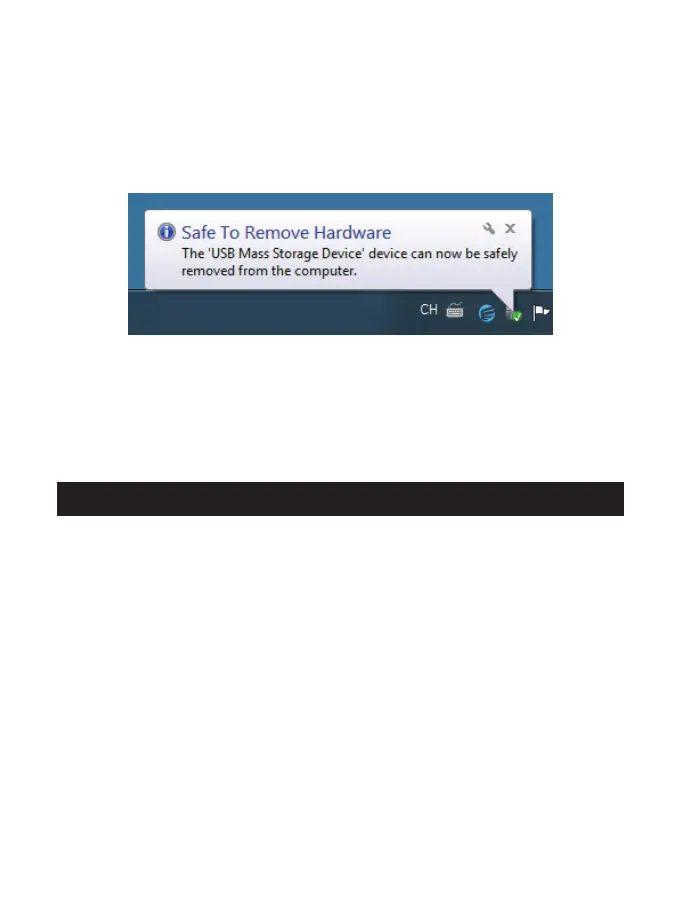
(1) Remove it from the Windows system
First, stop the read and write operations of the hard drive, and then click the USB small
icon on the taskbar, select the disk drive that is needed to be uninstalled to complete
uninstall.
(2) Remove it from MAC
First, stop the read and write operations of the hard drive, and then drag the disk drive
to the Recycle Bin to complete the uninstall.
- 7 -


 To Next Page