16
Transmitting (sending speech)
The unit is continuously in the Receive mode when the unit is
turned ON and not transmitting. When a signal is received on the
current channel, “RX” icon will be displayed on the LCD screen and
the receiver LED will light up.
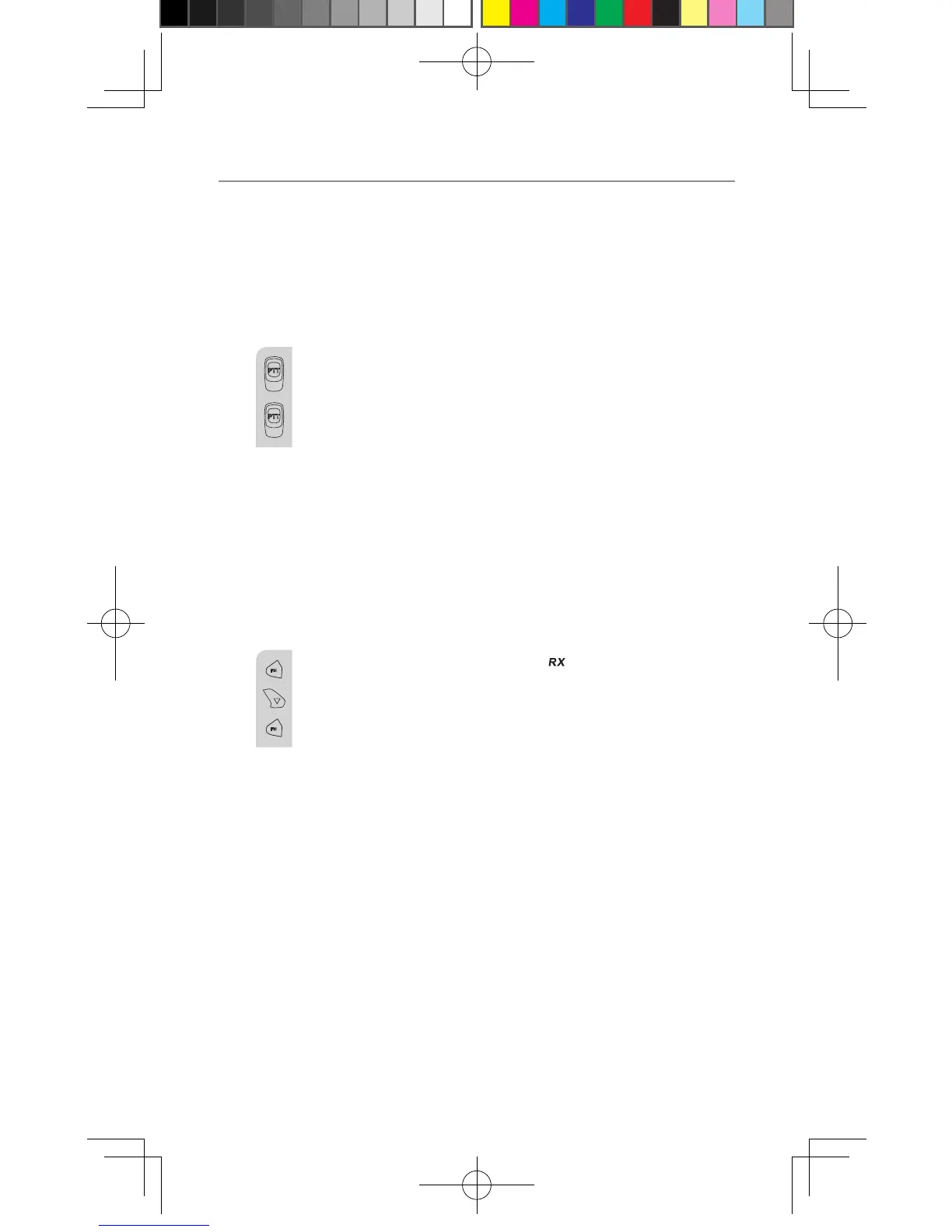
a. Press and hold the PTT (push to talk) button to transmit
your voice. “TX” icon will be displayed on the LCD Screen.
b. Hold the unit in a vertical position with the MIC
(Microphone) 5 cm away from the mouth. While holding
the PTT button, speak into the MIC (microphone) in a
normal tone of voice.
c. Release the PTT button when you have finished
transmitting.
Monitor
You can use the Monitor feature to check for weak signals on the
current channel.
a. Press and hold the FM button “ ” icon will be displayed
on the LCD screen. Your radio will pick up signals on the
current channel, including background noise.
b. Press and hold the FM button to stop the channel
monitoring.
Setting the PTT (Voice Activated) Sensitivity
In VOX mode, the radio will transmit a signal only when it is
activated by your voice or other sounds around you. The unit will
transmit further for 2 seconds even if you stop talking.
The level of VOX sensitivity is shown by a number on the LCD
Screen. At the highest level, the units will pick up softer noise
(including background noise); at the lowest level, it will pick up only
quite loud noise.
Operation
OR011253 UHF2190_2195 User Guide_11-07-14.indd 16 2014/11/7 14:31:11


 To Next Page