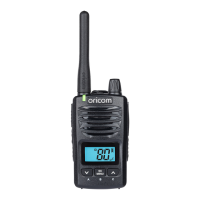
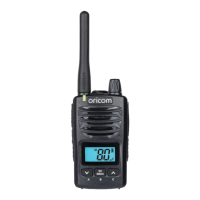
17
Operation
Operation
Turning the Radio ON/OFF
To Turn ON;
Rotate the POWER/VOL knob clockwise until the LCD Screen turns
ON and displays the current channel.
To switch OFF;
Rotate the POWER/VOL knob counter clockwise until the LCD
screen turns blank and you hear a click.
Adjusting the Speaker Volume
After turning on the radio, you can adjust the volume level by
rotating the Power/Vol knob.
Changing Channels
To select the main channel
Press
▲
or
▼
key to select your desired main channel number.
Press the PTT key to conrm and quit or press MENU to
continue to the next menu setting. LCD will display the channel
frequency.
You have 10 seconds to decide before auto-reverting back to
the main screen.
Your UHF2390 is simplex “one way at a time”. While you are
speaking, you can not receive a transmission.
Your UHF2390 is an open- ‐license band. Always identify
yourself when transmitting on the same channel.
IMPORTANT: Before transmitting on a channel listen to ensure
it is not already in use.


 To Next Page