4
㪏
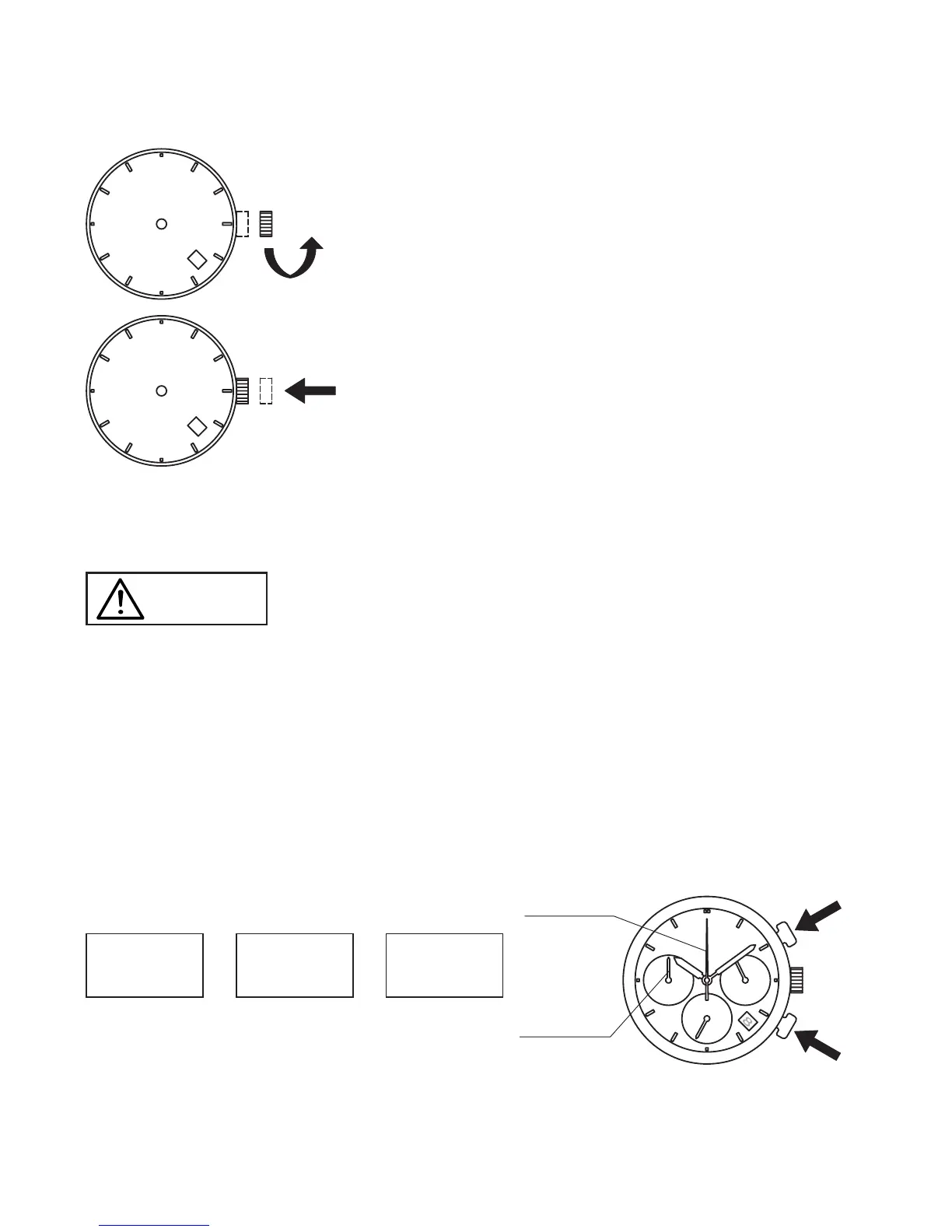
2 Turn the crown clockwise to set the date.
㪏
3 After all the adjustments are completed, push the
crown back in to the normal position.
• Date correction at the end of the month
Date correction is necessary on months with 30 days or less, so on the fi rst
day of the next month, adjust the date to the fi rst.
WARNING
Do not set the date between 9:00 p.m. and 1:00 a.m. Otherwise, the date may not
change properly. If it is necessary to set the date during that time period, fi rst change
the time to any time outside it, set the date and then, reset the correct time.
◆ HOW TO USE THE CHRONOGRAPH
Chronograph measurement is in units of one second, up to a maximum duration
of 59 minutes and 59 seconds.
■ Standard measurement
Button A
START
→
Button A
STOP
→
Button B
RESET
Button A
Button B
Chronograph minute hand
Chronograph second hand



 To Next Page