6
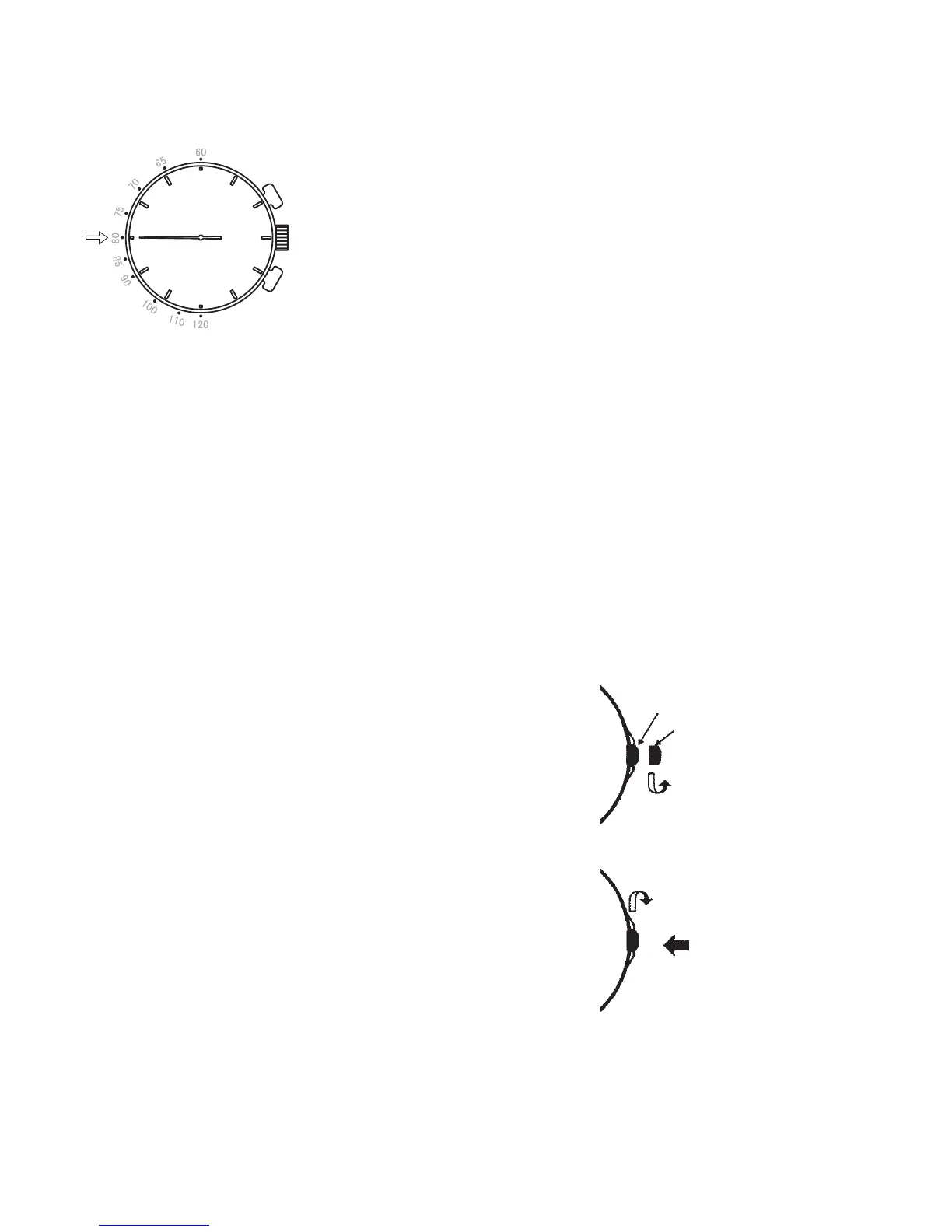
3 Read the number on the tachymeter scale indicated by
the chronograph second hand.
(In this example, the tachymeter number is 80, so the
average hourly speed is 80km/hr, or the hourly production
is 80 pieces.)
* Depending on the product, the tachymeter scale may be printed on the bezel
or on the face. Check the watch you purchased and then refer to the operation
method.
◆ NOTES ON THE SCREW CROWN
■ Models with screw down crown
• If your watch has a screw down crown, it is necessary to unlock the crown by
unscrewing it before operating it.
• Except when you operate the crown, be sure that it is always locked by screwing
it in completely.
■ [How to unlock the crown]
Unscrew the crown by turning it counterclockwise.
The crown can be pulled out or turned for time/cal-
endar setting or other watch operations.
The crown is locked.
The crown is unlocked.
* The crown can be
pulled out.
■ [How to lock the crown]
After using the crown for watch operation, turn it
clockwise while pressing it until it locks in place.



 To Next Page