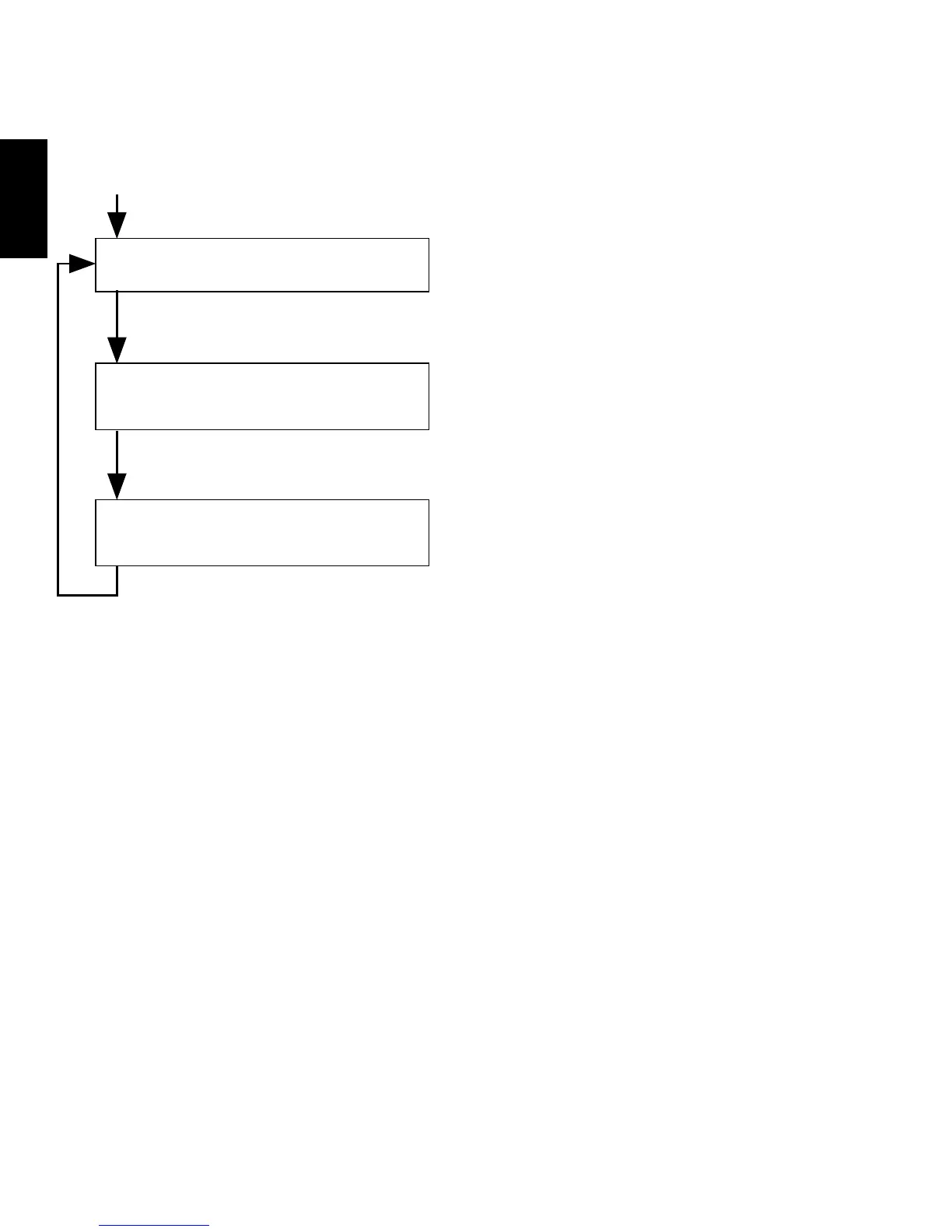
(5) To reset again what has already been set, follow the steps listed below.
Press button A for about 2
seconds.
Setting the alarm sub-dial
Press button A for about 2
seconds.
Setting the stopwatch minute
hand to the “0” position
Press button A for about 2
seconds.
Setting the stopwatch second
hand to the “0” position
Press button A for about 2
seconds.
* You can reset the settings as often as you like.
(6) After all the adjustments are completed, push the crown back in to the
normal position in accordance with a time signal.
* Check that the time of the basic watch and the alarm sub-dial indicate the
current time, then, push the crown back in to the normal position.
The alarm sub-dial turns 12 hours and is
ready for adjustment.
Press button
B
for setting.
The stopwatch minute hand turns a full
circle and is ready for adjustment.
Press button
B
for setting.
The stopwatch second hand turns a full
circle and is ready for adjustment.
Press button
B
for setting.



 To Next Page