* Do not set the date during the time period noted below because the date is
changing.
9:00 p.m. to 1:00 a.m.
If date is set during this time period, the date may not change properly on
subsequent days.
* Avoid this time period when setting the date.
• Be sure to set the time before setting the date.
• It is necessary to adjust the date on the first day of March and months
following 30-day months.
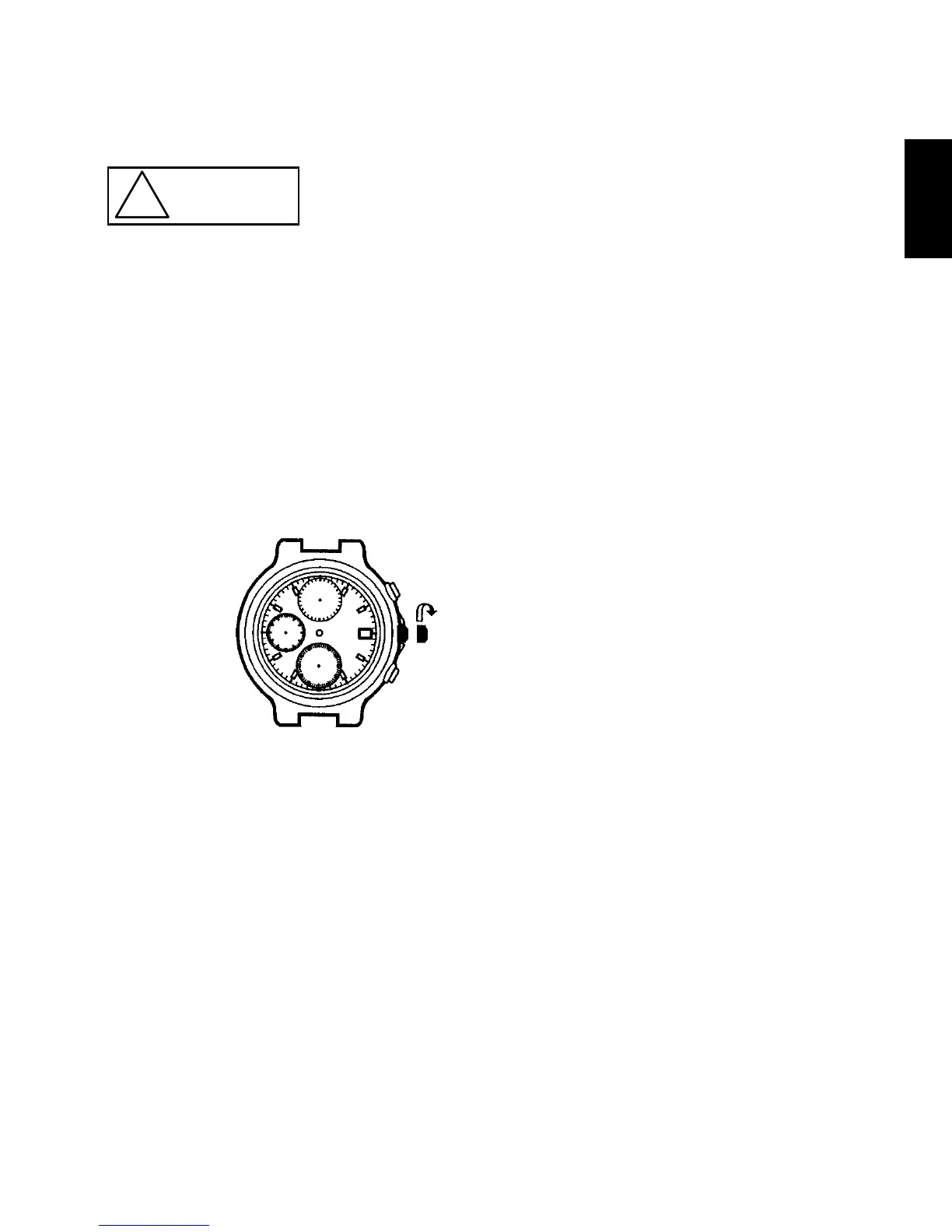
(1) Pull out the crown to the first click.
* Pressing button B in this condition will result in either setting or adjusting
the alarm time, and so we advise not to press button B if there is no
particular need.
(2) After all the adjustments are completed, push the crown back in to the
normal position.
HOW TO USE THE STOPWATCH
• The stopwatch can measure up to 60 minutes in 1/5 second increments.
After 12 hours, it will automatically stop.
• The time measured is indicated by the two stopwatch hands that move
independently of the hands for time display.
• Split time measurement is available.



 To Next Page