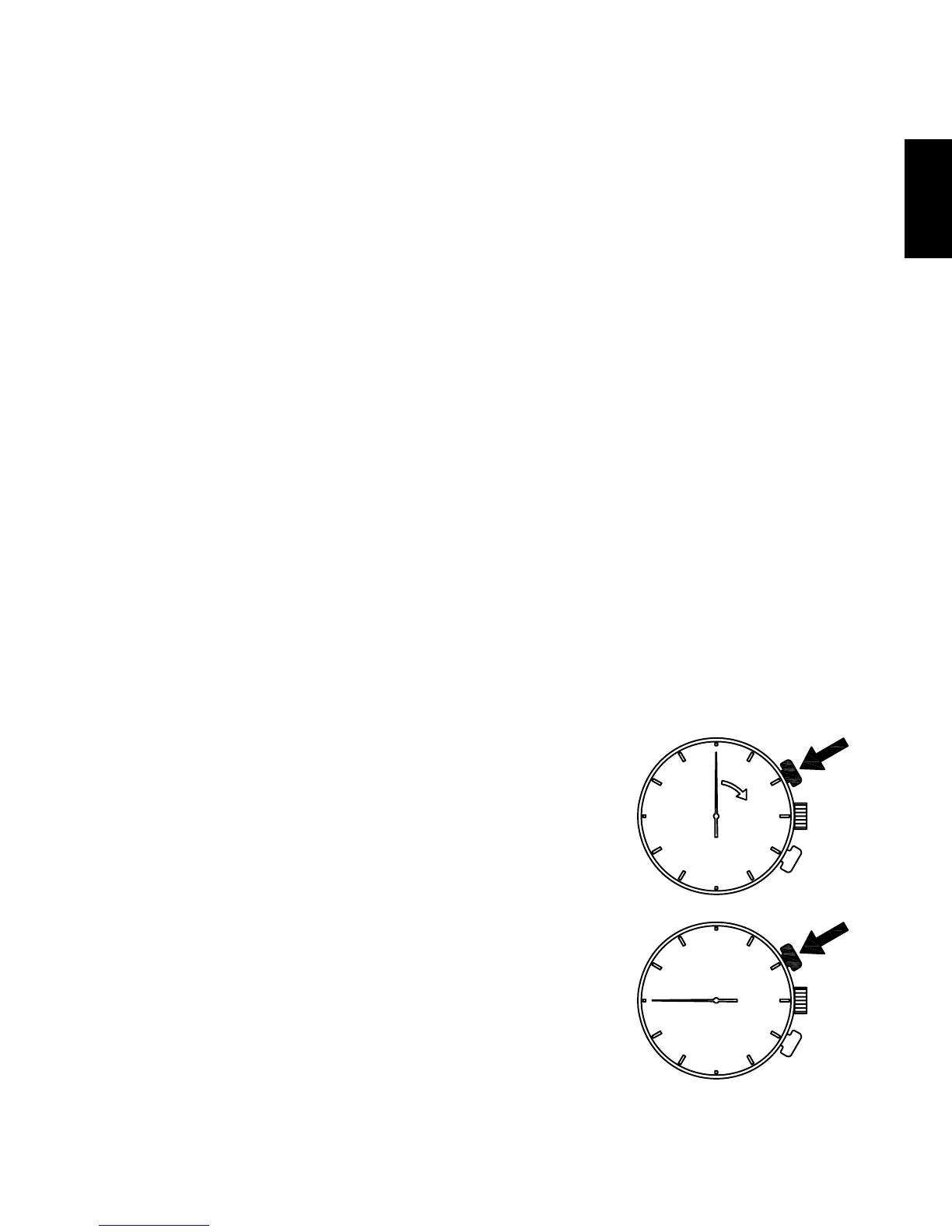
[How to correct the alarm time or reset the set alarm]
(1) Pull out the crown to the first click.
(2) Press button B and then correct the alarm time. The alarm sub-dial hands
move quickly when button B is kept pressed.
• To reset the alarm, press button B and set the alarm time to the hour/
minute of the current time. An easy way to reset the alarm is to move the
alarm sub-dial hands quickly by keeping button B pressed, and then
releasing button B when the alarm sub-dial hands stop at the current time.
(3) After you have successfully carried out the correction or reset, push the
crown back into the normal position.
HOW TO USE THE TACHYMETER
Some models may come with a tachymeter scale printed around the bezel or
dial. Check your watch to see if it comes with a tachymeter scale, and follow
the steps listed below to use it, if it does have one.
A tachymeter is a function that enables users to determine average speed
based on a measurement of the amount of time it takes to travel a certain
distance (1 km). The tachymeter can also be used to determine the rate of
production per unit of time (per hour). (measuring range: maximum 60
seconds)
(1) Press button A at the start point or when a
product begins to be made.
(2) Press button A again once 1 km have
been passed or the product is completed.



 To Next Page