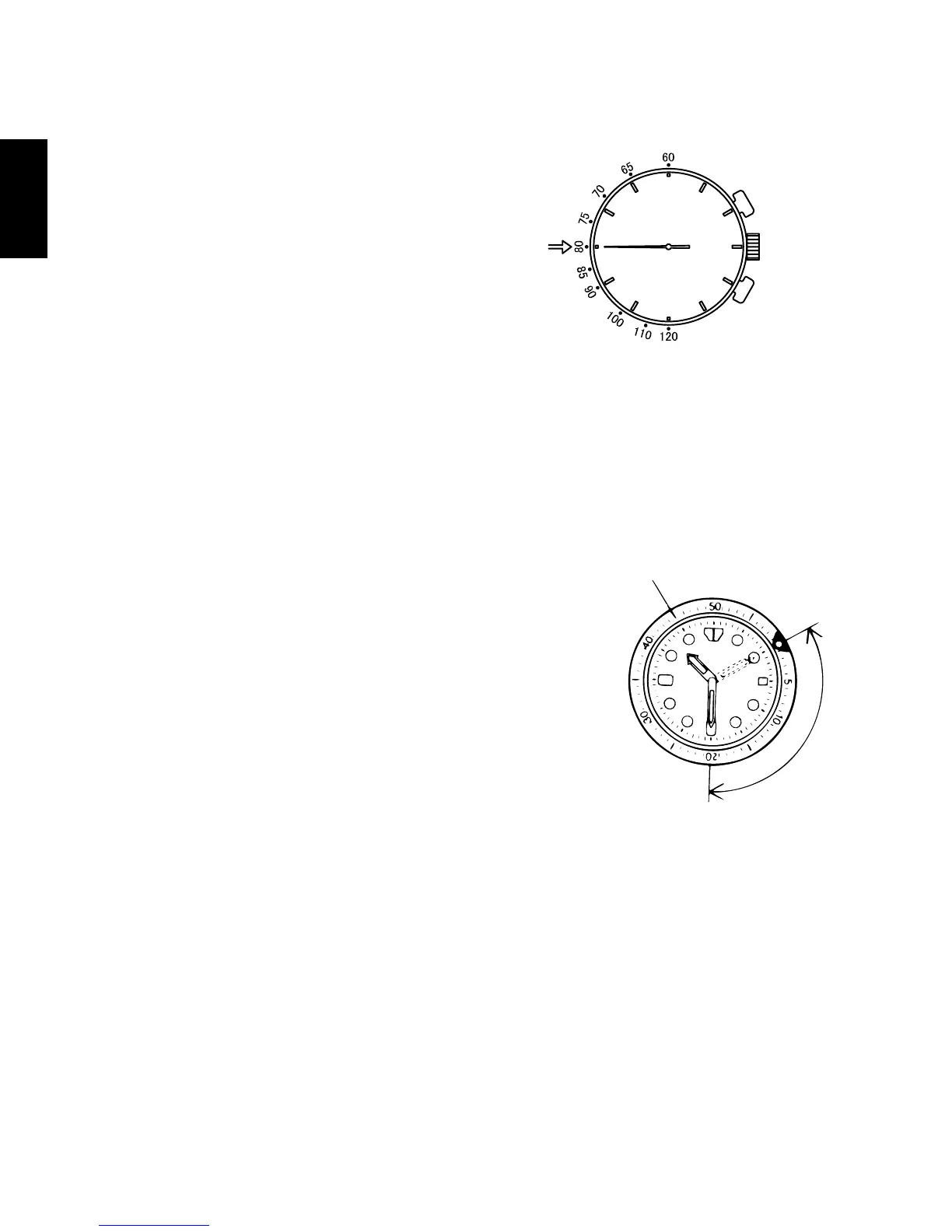
(3) Read the numeral on the tachymeter scale
at which the stopwatch second hand is
pointing.
(In this case, the hand is pointing at 80 on
the tachymeter scale, which would give an
average speed of 80 km/hr. or a rate of
production of 80 units/hr.)
* The measurement time of the tachymeter is 1 minute or less.
Please note that if the measurement time exceeds 1 minute, the average
speed or the rate of production per hour cannot be read.
HOW TO USE THE ROTATING INDICATOR BEZEL
Please notice that some models come with a rotating
indicator bezel, which should be used properly.
Turn the bezel by pointing the mark to the minute
hand.
While certain time goes by, you can measure the
elapsed time from the distance between minute hand
and figures on the rotating indicator bezel.
You can also set the mark as a desired time to
remind you how long time is still remain for an
appointment.
You cannot turn the bezel reversely since it comes
with a protection mechanism for preventing wrong
operation by force or shock. Figures on the bezel
could also help you to read the current time easily.
* Depending on design, anti-reversely and 1 minute
“click” sound mechanism on rotating indicator ring does not apply to some
models.



 To Next Page