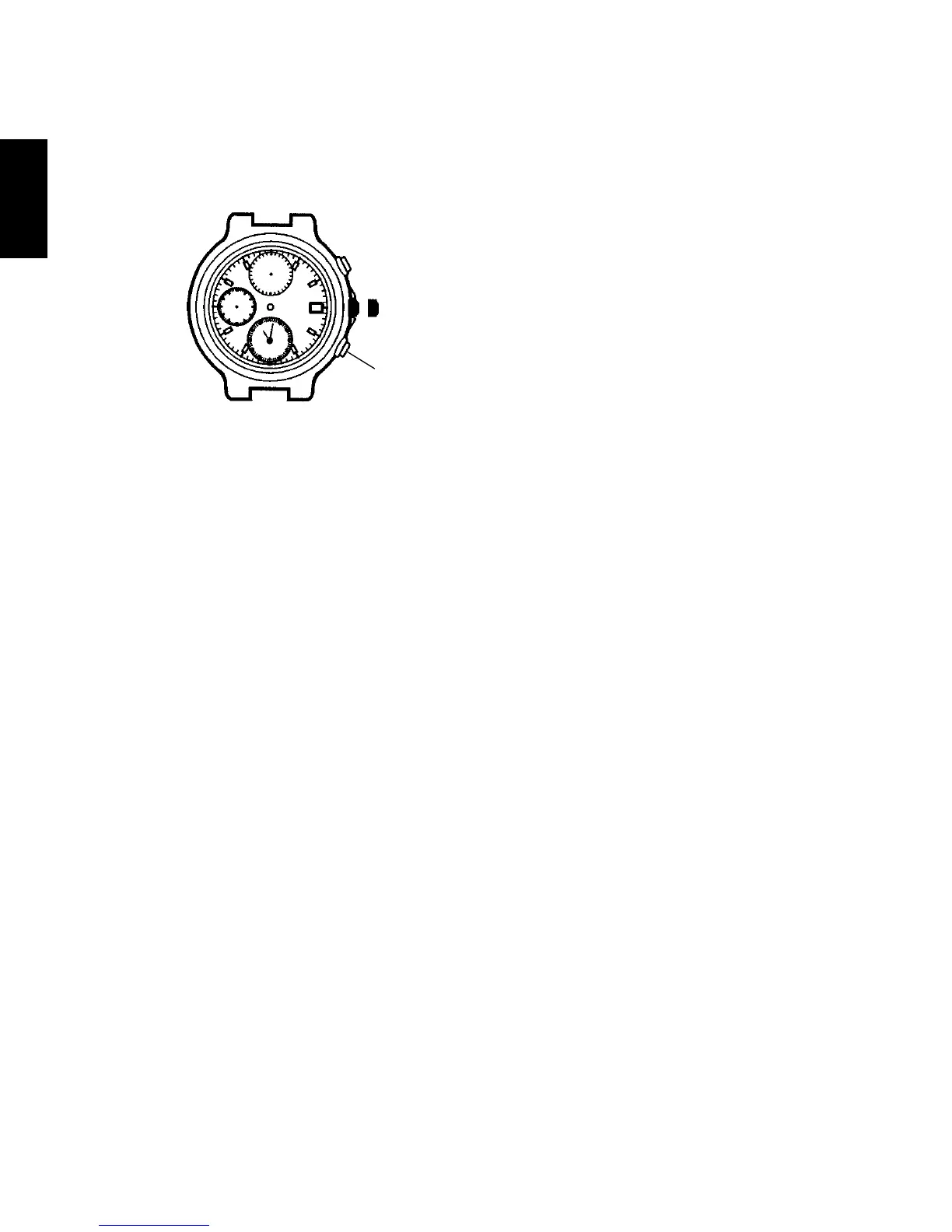
(2) Press button B and set the alarm time.
The alarm sub-dial hands move quickly when button B is kept pressed.
* If you passed the time you want to set, advance it further and set it.
When the alarm sub-dial hands reach the current time, the watch enters a
state in which no alarm is set. In this situation, if button B had been kept
pressed for the alarm sub-dial hands to reach the current time, the quickly
moving hands will stop once. To set the alarm time, release button B once
and press it again and set the alarm time.
* If the current time is 10:08 a.m., you can set an alarm time up to 10:07 p.m.
(3) After all the adjustments are completed, push the crown back into the
normal position.
* Be sure to push the crown back into the normal position; otherwise, the
alarm will not sound.
[How to stop the alarm sound]
When the set alarm time comes, the alarm will continue to sound for 20
seconds.
Press button A or button B if you wish to stop the alarm sound.
* While the stopwatch hand is running, the alarm may sound different from
the usual alarm sound, but this is not a malfunction. Furthermore, even if
you try to operate the stopwatch while the alarm is sounding by pressing
button A or button B, pressing either button will merely stop the sound
and will not operate the stopwatch. You can operate the stopwatch normally
after the sound has stopped. After the alarm sounds once, the set alarm will
be automatically reset.
Button B



 To Next Page