11
Table 5-2
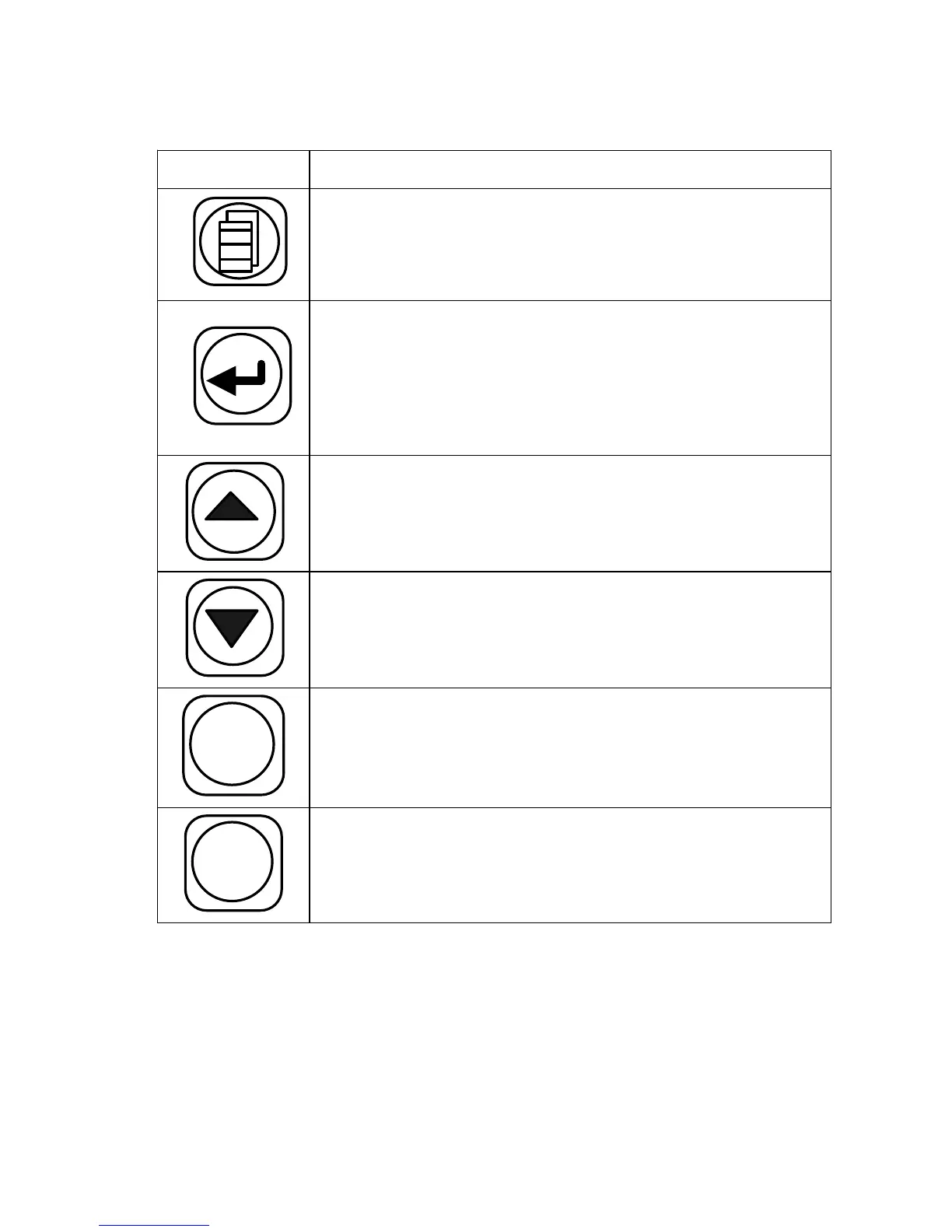
Key
Function Description
Exit the current menu and return to the upper
level or to the splicing interface (if in the main
menu currently).
Press to enter the next sub-level menu ; used to
switch between the right and left fibers when
adjusting motor, In the test menu , it confirm s the
start of a test .
Move the cursor up or increase a parameter. In
motor test menu, used to move the fiber up.
Move the cursor down or reduce a parameter. In
moto r test menu, used to move the fiber down.
X - Y / -
If the menu was pressed in menu, the parameter
value would be decreased, or the screen will be
changed.
ARC
/+
If the key was pressed in menu, the parameter
value would be increased.


 To Next Page
 Loading...