12
Table 5-3
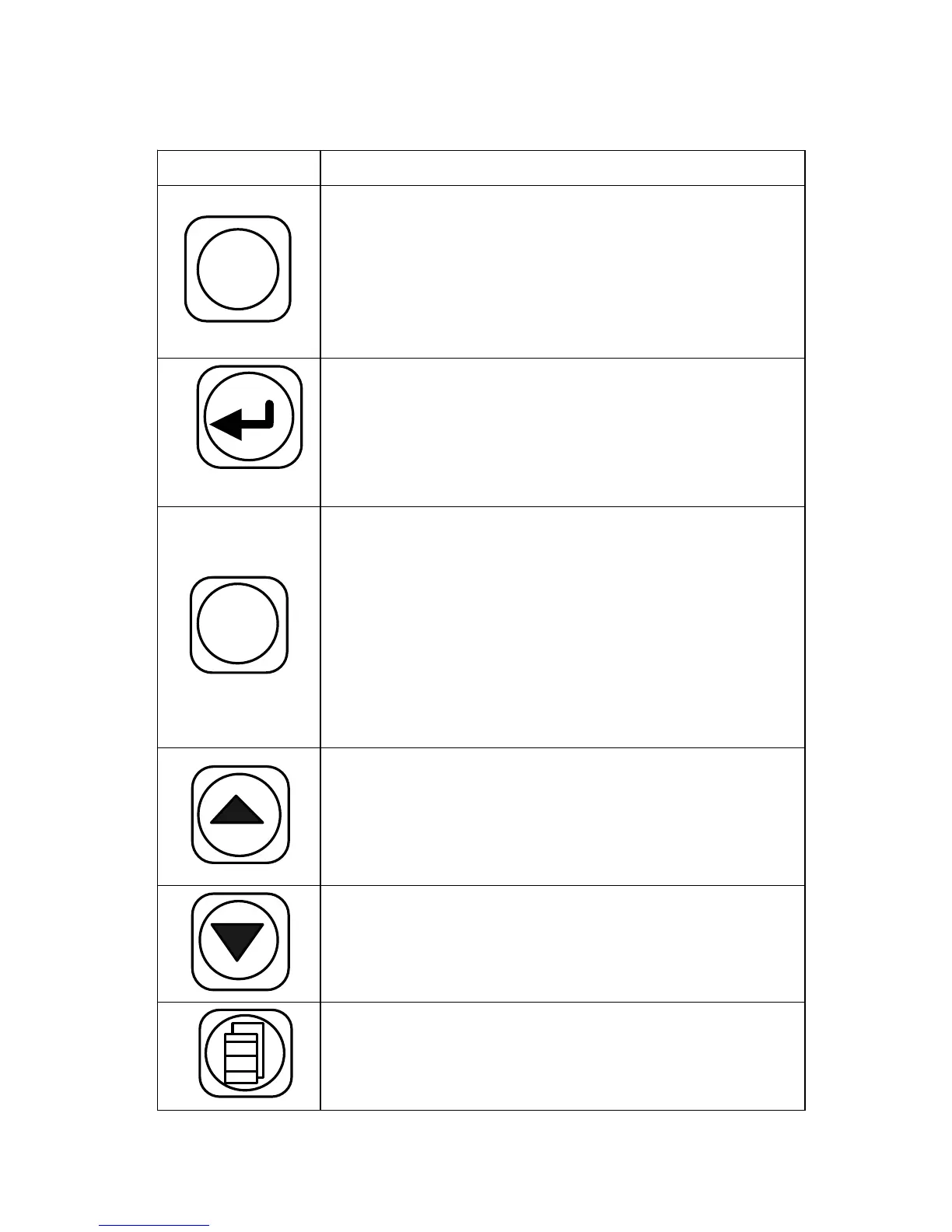
Key Function Description
AUTO
Press this key; the splicer accomplishes
cleaning , gap adjustment, align ment, fusion
splicing and loss estimating functions. The
results will be display ed automatically on the
screen .
Press this key and the splicer will discharge
for a short time between the two electrodes .
Th is operation can get rid of the dust on the
fiber but not of the stabs on the fiber NZDS.
ARC
/+
Press this key and one round of fusion splice
will be done . T he estimated loss will be
displayed on the screen. Do not press this key
without fiber, except for cleaning the
electrodes. During discharge there is thousand
NZDS of voltage between the electrodes. So
for safety, d o n ’ t touch them.
Press this key and the splicer will adjust the
fiber to an appropriate position and clean it
for fusion. When the operation is done, t he
buzzer beeps and the screen display "OK".
Press this key, alignment will be done. When
alignment is done, t he buzzer beeps and the
screen display "OK".
P ress this key to enter the main menu .


 To Next Page
 Loading...