EasyManua.ls Logo

Orivision EH404 - Connecting to Users Computer; Accessing Web Control Interface

Orivision EH404
26 pages
Print Icon
To Next Page IconTo Next Page
To Previous Page IconTo Previous Page
Loading...
Technical Support: support@orivision.cn
5 / 25
Go Back Contents
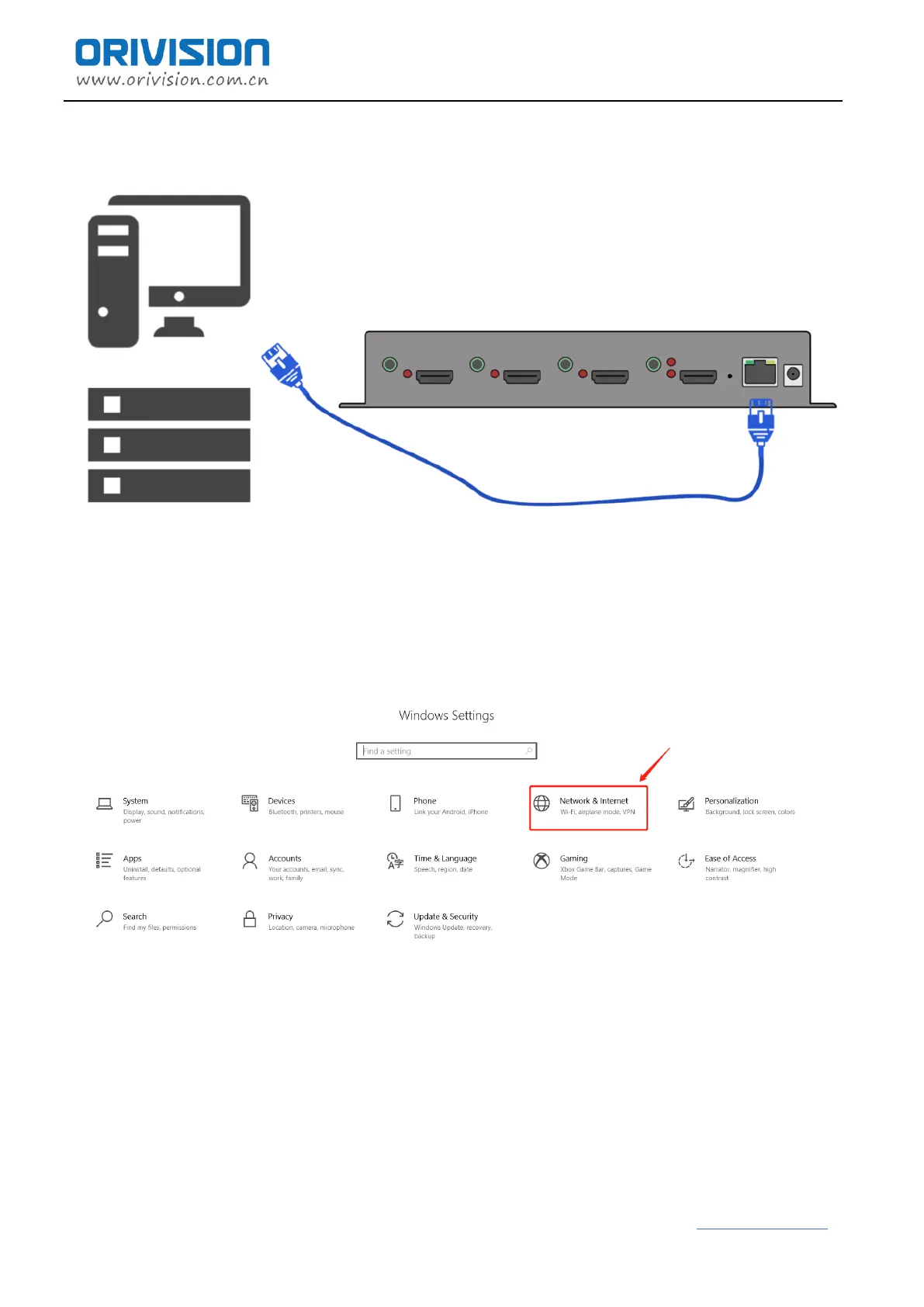
2.3 Connect the encoder to user’s computer
Connect the decoder and the computer directly through the network cable.
2.4 Log in the control web with 192.168.0.31
According to the above steps, after connecting the decoder to the computer with a network cable.
Setp1: find the "Network & Internet Settings"

Related product manuals