29
Press to enter menu,
Press to enter menu
(Sengs carried out by operator)
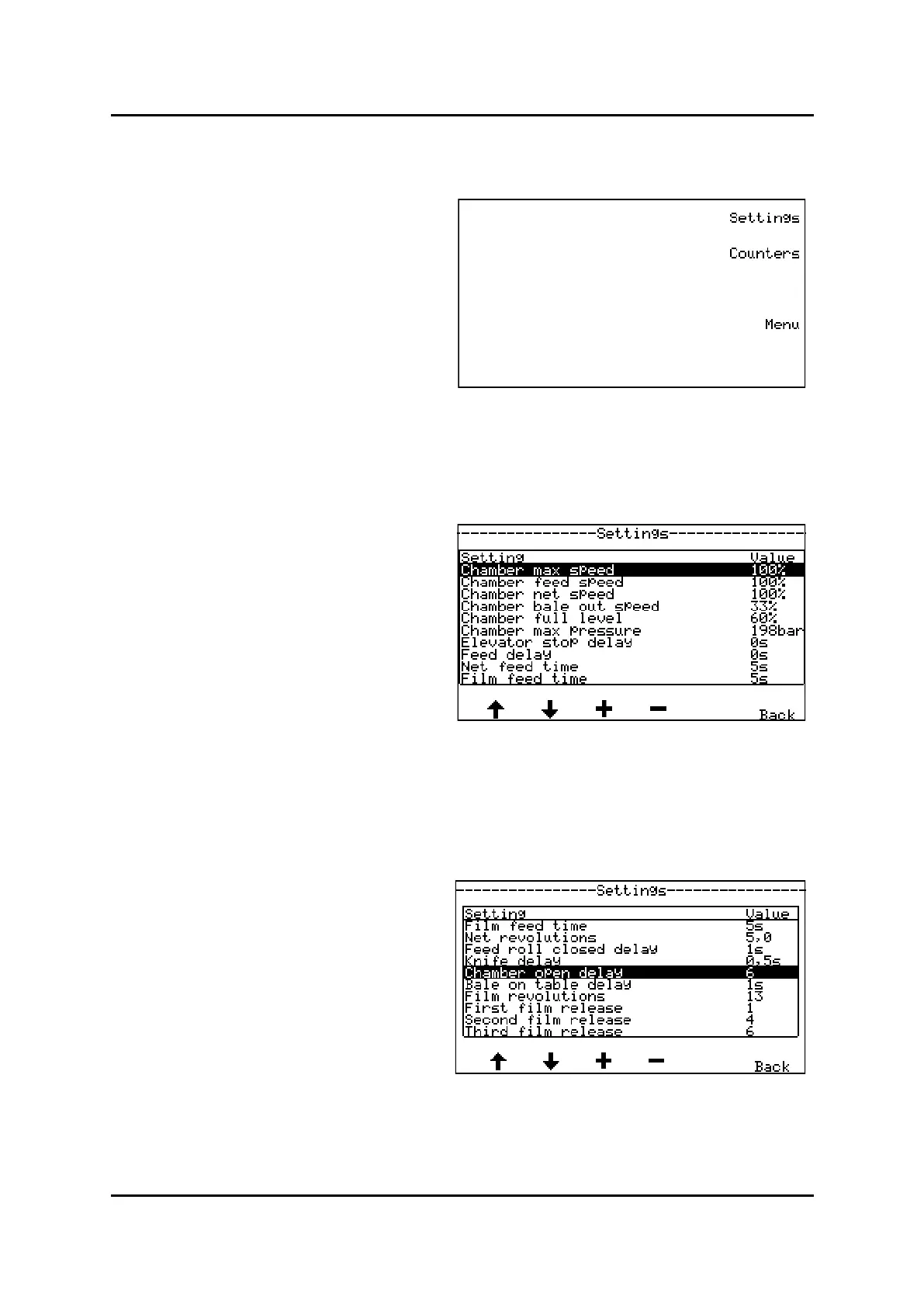
In menu sengs you can set/change up to 30 pa-
rameters (See screen pictures 1,2 og 3)
By pressing buon under the arrow in the display
you can switch between parameters and screens
pages.
By pressing buon under + or - of the chosen param-
eter, the value is changed.
a parameter,
a parameter-
Write down old sengs as a back-up before you start changing values in menu sengs
See recommended sengs in chapter: 3.1.4
Menu Sengs, picture 1
Menu Sengs, picture 2
Main menu, Sengs/counters



 To Next Page