31
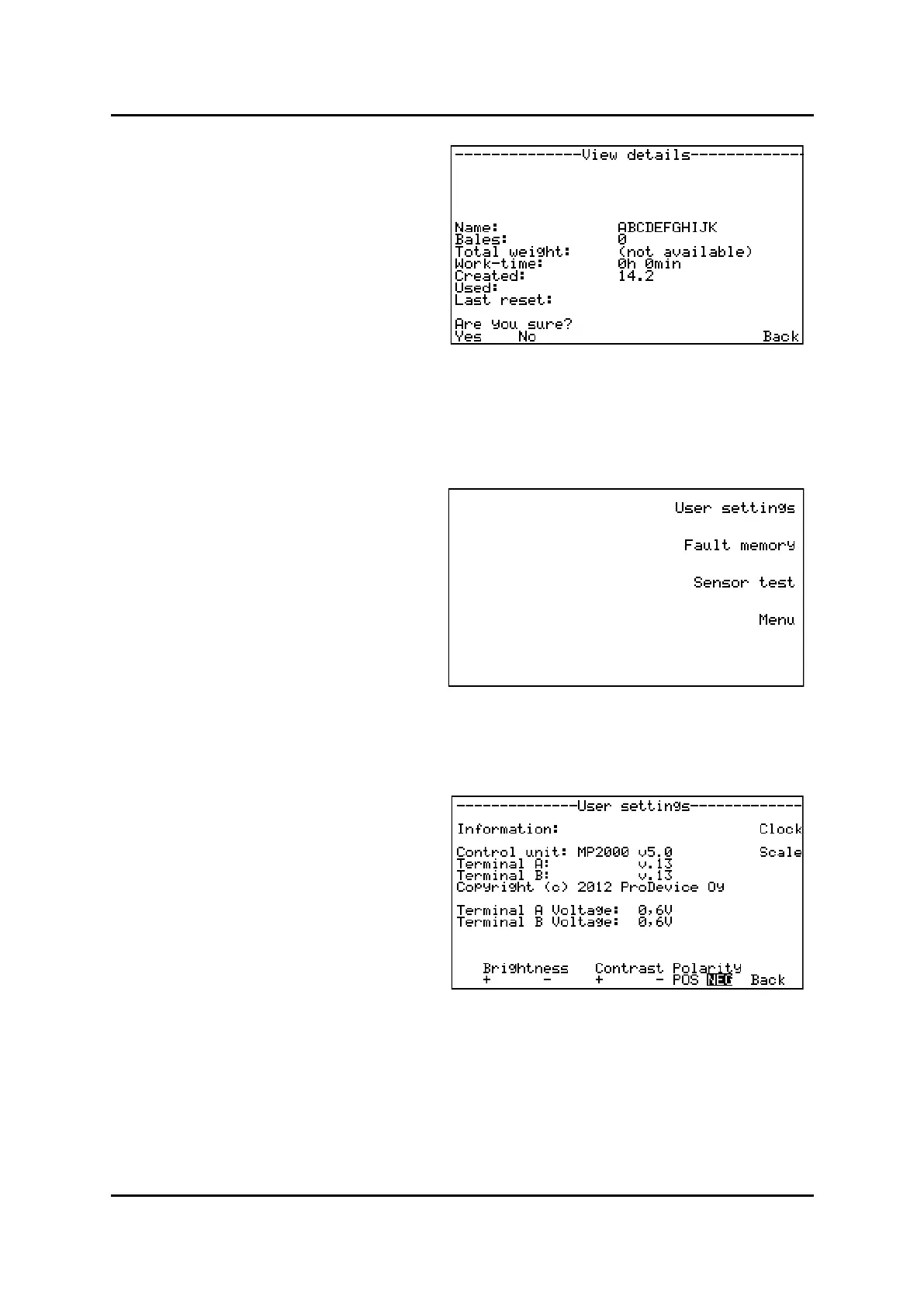
Make sure the correct counter you’d like to
reset, is chosen. (Picture, counter 2)
Press . Conrm or invalidate by press-
ing:
customer or job:
Press . Then conrm or invalidate by pressing
or .
Press cancel - back buon to return to menu;
Press buon to get new main menu.
Press to enter menu;
Informaon line showing which pro-
gram and edion.
By pressing buons below in display,
you can adjust to requested intensity with -
By pressing buons below in display, you
can adjust to requested intensity with -
Choose between bright leers on dark background, or dark leers on bright background. By pressing buons
under you can change background with or
To calibrate scale for bale on table, if installed. Choose buon. (Not in use)
Counter 4
Main menu
Menu: User sengs 1
G



 To Next Page