32
Enter main menu,
Press buon to enter menu;
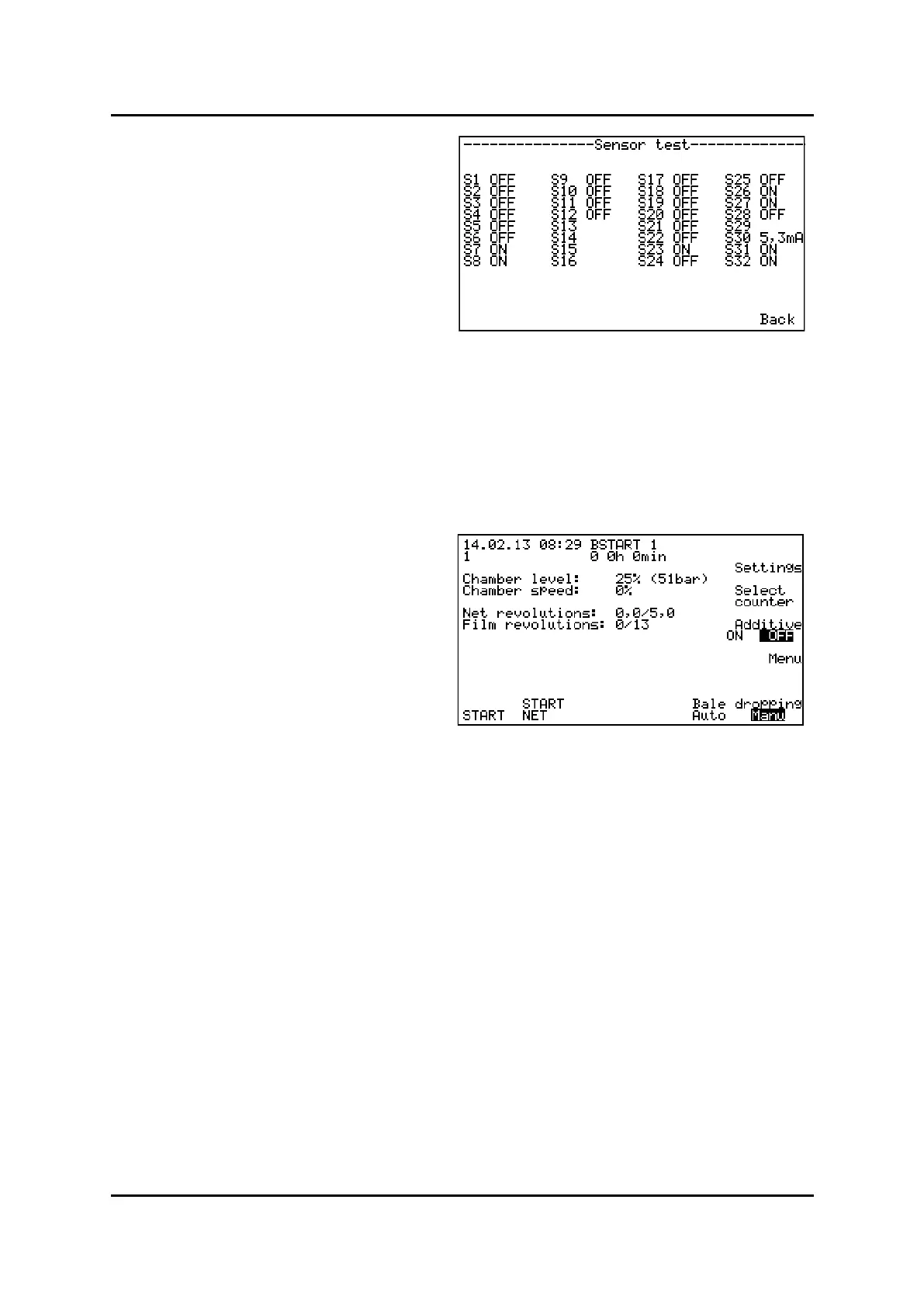
A list of all sensors and their current status is shown
in display.
Hold a piece of metal (steel) in front of the sensor, watch at the same me the current sensor status in dis-
play. The sensor status should now change between ON and OFF while moving the metal-piece in and out of
the sensor front. In that case, the sensor is OK.
If there’s no change in status of the parcular sensor, there is a failure in sensor or a cable break-down.
See sensor’s overview and their numbers in chapter 5.4.3
-
Press -buon twice to return to start-
up screen.
Sensor test
Start-up screen



 To Next Page