33
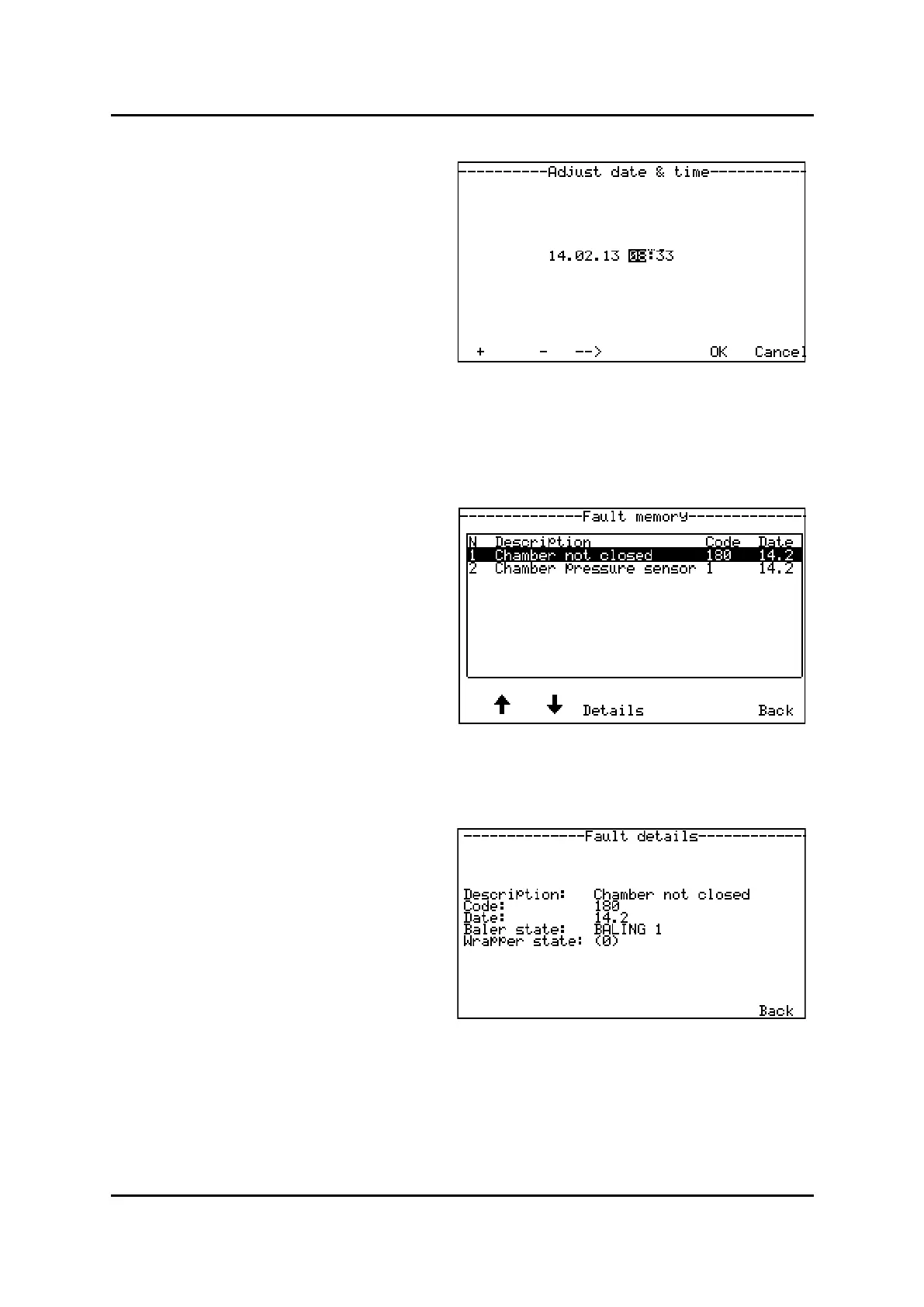
Enter menu screen; . See previous page
Select on the right side of screen to enter
menu;
Move cursor along the line by pressing buon under
the arrow shown in display. Move the cursor to the
value you’d like to change
Increase/Decrease value, press or -
Conrm new me by pressing
Press in main menu, user sengs to
enter menu; .
In this menu, the last 30 errors is stored connuous-
ly.
To browse faults in memory, press buon under ar-
rows or in display
Use this menu as a reference if you are about
to contact your local dealer or Orkel Compacon Ltd,
if a problem has occurred.
To look closer at a failure, press buon under
shown in display.
Example: Failure code:180
This indicate there is a error in See own
chapter 3.1.6 for failure codes
Menu, adjust date & me



 To Next Page