58
-
---
The pressing chamber must be checked frequently.
Before performing a control, the chamber must be properly cleaned , preferable using a high pressure wash-
er. Check the tracking of the chamber belt’s and adjust if needed.
Look for wear on chamber’s sidewall and check the condioning of the rollers and rubber belts. The grade of
wear and tear is varying, depending on which material being pressed.
Replace damaged rollers and belts if excessive worn. If there’s great wear on the chamber sidewalls, if might
be considered to weld on wear plate’s. contact Orkel Compacon Ltd if relevant.
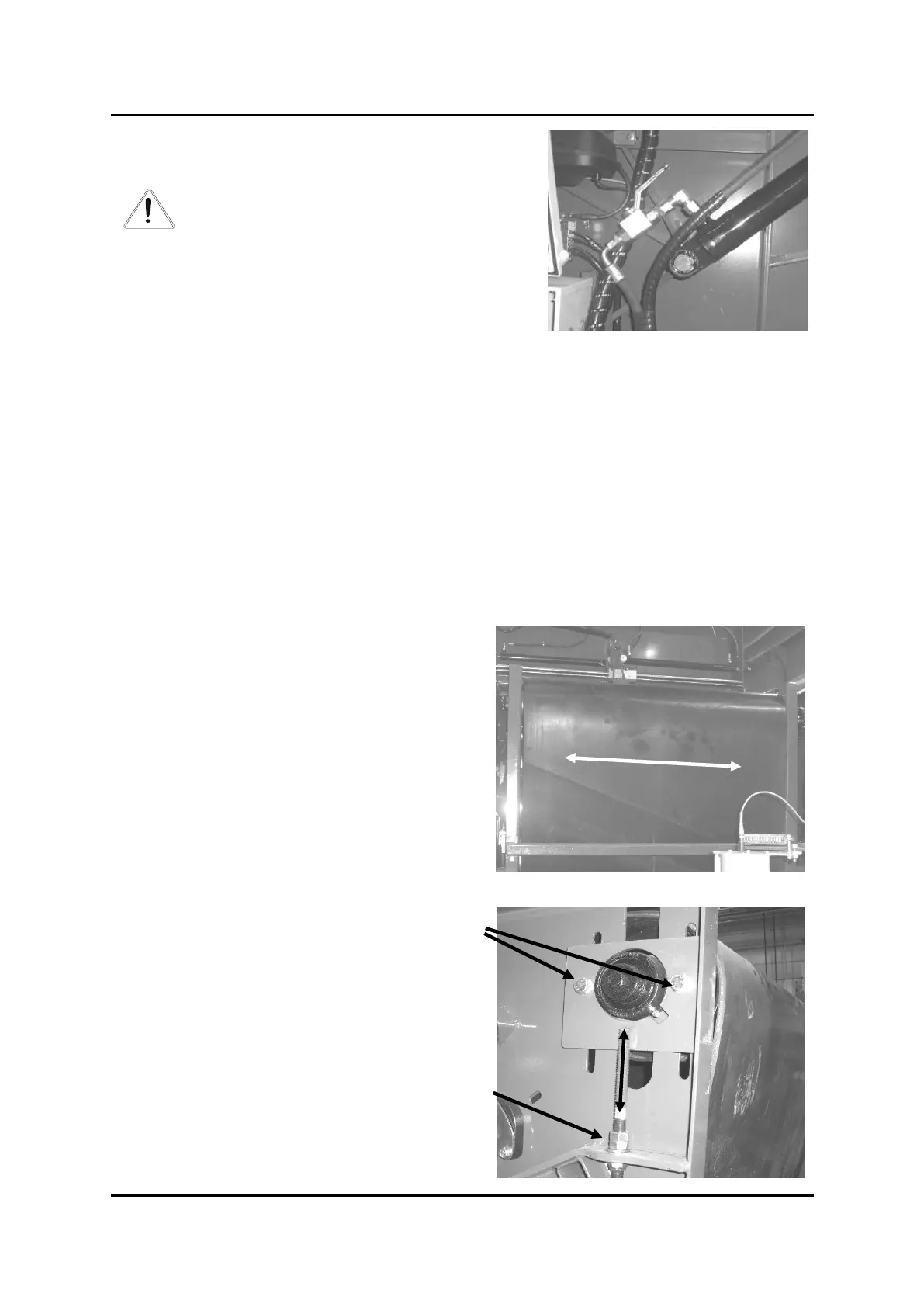
All adjustment of the belt’s tracking is done on the right
side of the chamber, the upper front roller. See picture 2.
The belt tracking should be correct, and not touching the
chamber side walls.
If the belt is tracking towards in picture 1, the distance C
in picture 2 must be increased.
If the belt is tracking against in picture 1, the distance C
in picture 2 must be reduced.
Unghten the aaching bolts just a bit, to allow a move-
ment of the bracket. Loosen the counter nut and adjust
the distance C by turning on the adjusng nut.
Tighten the counter nut and the
aaching bolts of the bracket when
the belt has a correct tracking.
Securing valve, tailgate liing cylinders
Bilde 2
Aaching bolts
Adjusng nut



 To Next Page
 Loading...