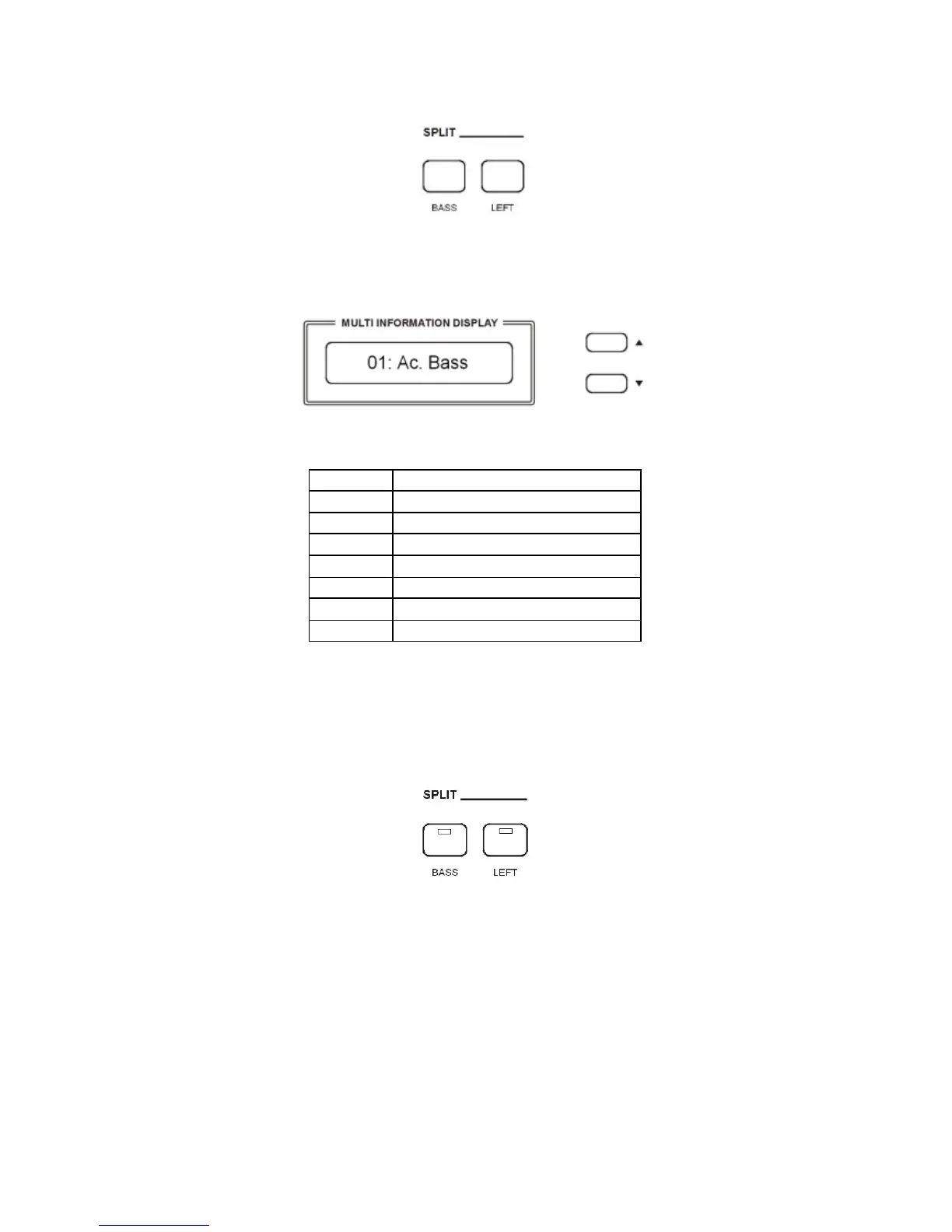
SPLIT - BASS SOUND
When the BASS button is pressed the instrument automatically splits the keyboard in two parts and
a BASS sound is automatically selected. It is also possible to change the Bass sound.
- Press and hold the BASS button. The display will show the automatically selected bass
sound, for example:
Use the [/\][\/] buttons to select the new bass sound from the following list:
01 Acoustic Bass
02 Acoustic Bass + Ride
03 Big Bass
04 Finger Bass
05 Finger Slap
06 Fretless
07 Synbass
08 Organ Bass
It is of course possible to directly digit the number of the new desired sound using the numeric
keypad buttons.
SPLIT - LEFT SOUND
Press the [LEFT] buttons to select the LEFT voice. This will enter the instrument in SPLIT MODE
and automatically divide the keyboard in two parts.
The Left Sound will be automatically selected according to the selected Right Sound, however it is
possible to change the default left sound.
Select the Right Voice, for example the GRAND PIANO sound, on the VOICE Section.
- Press and hold the LEFT button. The display will show the automatically selected left sound,
for example:



 To Next Page