- Press the USB VOLUME button and the display will indicate the current Song Volume
value.
- Use the [/\] and [\/] buttons to control the volume of the Standard Midi File song played
from the USB disk.
- Range: 00-127 Default: 90
MIDI
Use the MIDI button to select the midi settings.
LOCAL CONTROL
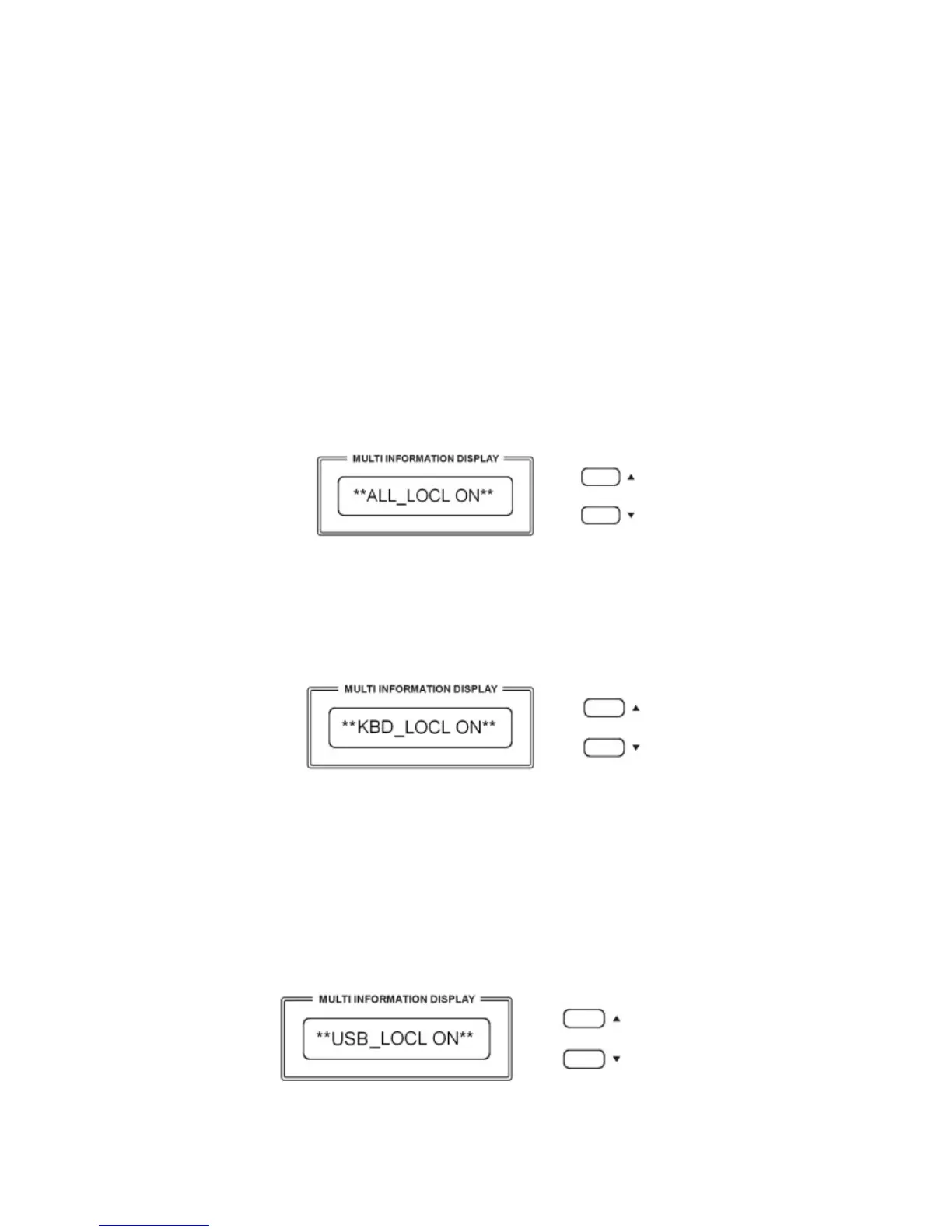
Press the MIDI button one time to select Local Control pages
Use [/\][\/] button to select “Local On“ or “Local Off“ for the full instrument.
ALL_LOCL ON Normal operation. Keyboard and USB Song are sent to the internal tone
generator.
ALL_LOCL OFF There will be no sound produced by the internal tone generator.
Press the MIDI button again to select the Keyboard Only Local On/Off
Press the [/\][\/] buttons you can select the following Local Functions:
KBD_LOCL ON The keyboard will play the internal tone generator.
All the keyboard midi information will be sent as normal.
KBD_LOCL OFF The keyboard will not play the internal tone generator .
All the keyboard midi information will still be sent as normal.
Press the MIDI button again to select the USB Song Local On/Off
USB_LOCL ON The instrument will play the songs of the USB disk using the internal tone
generator.



 To Next Page