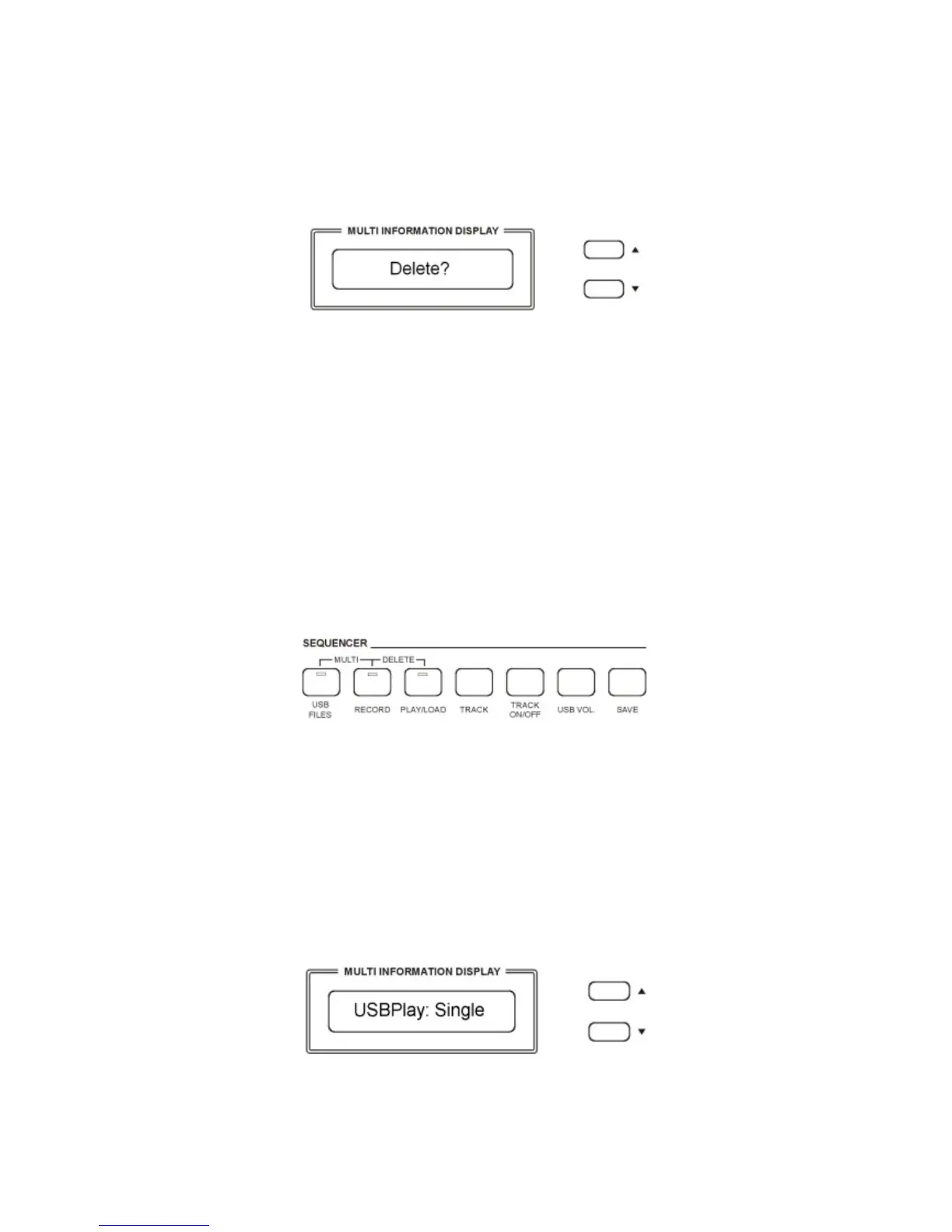
DELETE MEMORY REGISTRATIONS FROM USB
Insert the USB Disk into the USB socket. Press and hold the [USB FILES] button to access the
Setting files in the USB Disk. Select the Setting page by pressing the [/\][\/] buttons.
Use [/\][\/] button to select the desired Overall Preset Registration Setting file you want to
delete, then hold down the [RECORD] button and press [PLAY/LOAD] button.
LCD shows:
Press [/\] button to delete the file.
Press [\/] button to exit the function without deleting the file.
NOTE – When a file is deleted from a list its progressive number will be cancelled and saved
in a special memory location inside the instrument. This number will be
automatically assigned to the next file of the same type that will be loaded.
SONG PLAY MODE
It is possible to play only 1 song at the time or all the songs listed in the USB disk .
Single The selected song will be played after the [PLAY] button is pressed, and will stop at
the end of it.
All The selected song will be played after the [PLAY] button is pressed and will
automatically play all the following songs without stopping, unless the [PLAY]
button is pressed again.
How to select the Single and All mode.
- Press and hold the PLAY/LOAD button. The display shows:
The default mode is Single Mode.
To select the All mode use the [/\][\/] buttons:



 To Next Page