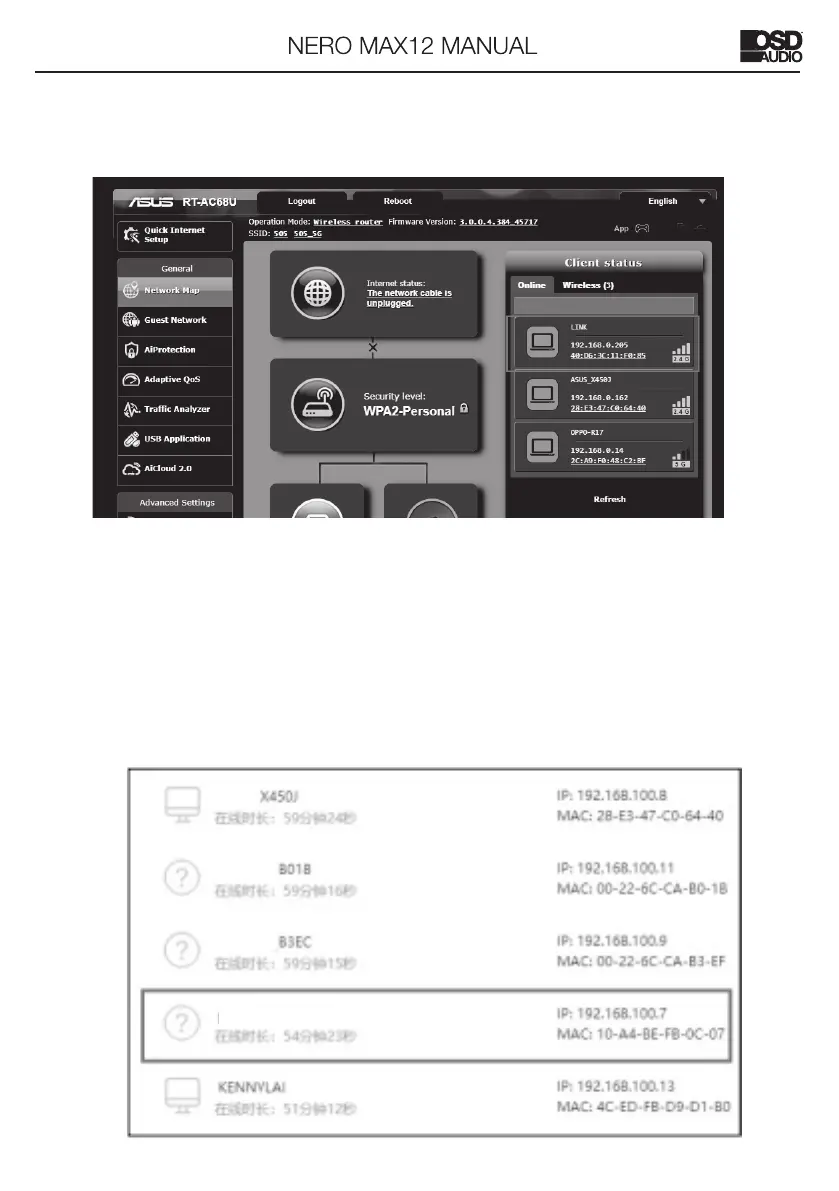
7.Visit the configuration webpage of the local network of router.
The local network of router will assign a new IP for the amplifier automatically.
Set the switch to Ethernet. Connect the Cat5 cable to Ethernet port and LAN
port of the Router. Two ways to find the IP address of NERO MAX12
1.Open the IE web browser of PC, log in to the WEB configuration page of local
Router to find the IP address of NERO MAX12(shown as below)
NERO MAX12



 To Next Page