EasyManua.ls Logo

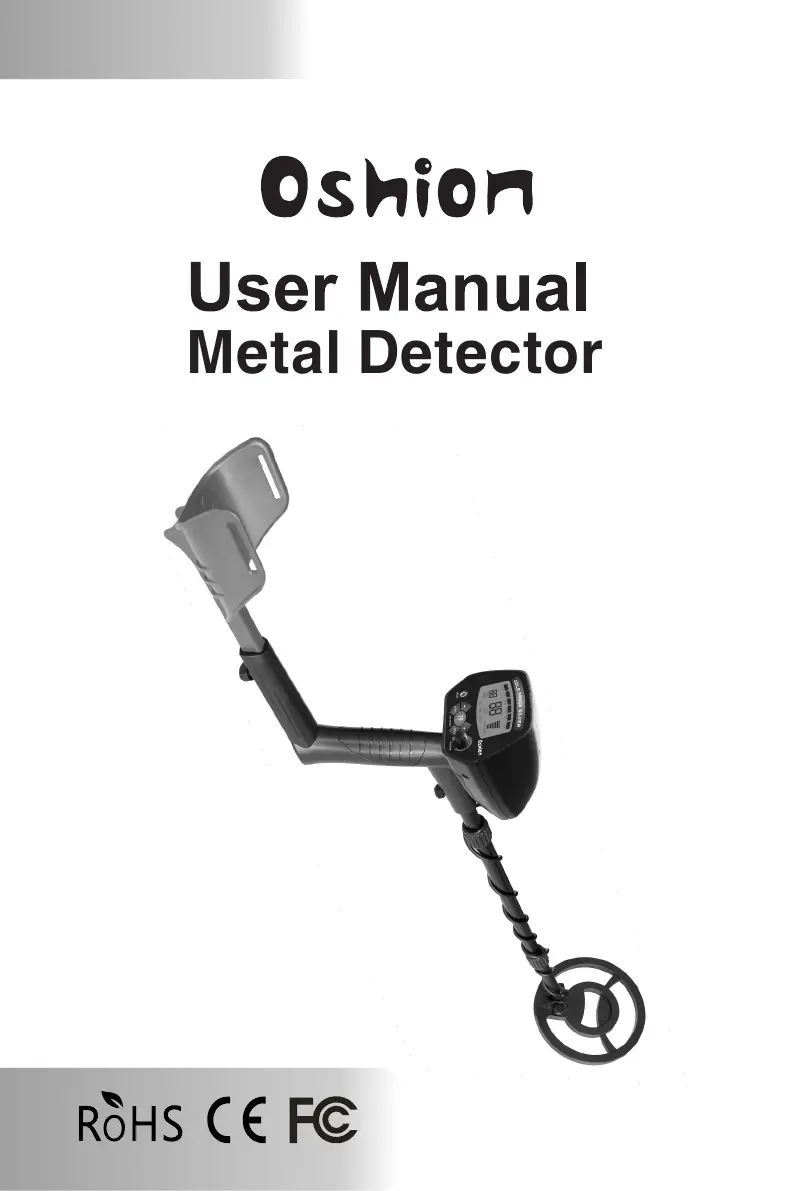
Oshion MD-A1 - User Manual

Oshion MD-A1
12 pages
Print Icon
To Next Page IconTo Next Page
Loading...
Metal Detector
No: MD-A1

Questions and Answers

  • M
    Mark SampsonAug 6, 2025
    Why does my Oshion MD-A1 sound false signals?
    • B
      Billy MilesAug 7, 2025
      If your Oshion Metal Detector is giving false signals, it might be due to a few reasons. First, the sensitivity could be set too high, or there might be electromagnetic interference in the environment. Try reducing the sensitivity. Also, ensure you're not sweeping the search coil too fast or at the wrong angle; sweep it more slowly and maintain the correct position. Lastly, if you're using multiple detectors, keep them at least 6 meters (20 inches) apart.
  • M
    mariawellsAug 14, 2025
    What to do if my Oshion MD-A1 does not detect anything?
    • K
      Kaitlyn JohnsonAug 14, 2025
      If your Oshion Metal Detector isn't detecting anything, there could be a few reasons. First, check if the sensitivity is set too low and increase it. Another possibility is that the target range has been eliminated; recover all target range. Finally, make sure the search coil is parallel with the ground and adjust the angle if necessary.
  • J
    Jorge YangAug 21, 2025
    How to fix an Oshion Metal Detector that does not work?
    • C
      Christy GallowayAug 21, 2025
      If your Oshion Metal Detector isn't working, make sure the five-pin cable is properly connected by re-plugging it. Also, check the batteries and replace them if they are dead.
  • R
    Ryan SmithAug 29, 2025
    What to do if Oshion Metal Detector LCD displays multiple target categories?
    • N
      Nicholas RodriguezAug 29, 2025
      If the LCD of your Oshion Metal Detector displays multiple target categories or emits several sounds, it could be because there is more than one kind of metal in the target items. Try reducing the sensitivity to eliminate the detection of the deeper target. Also, the detector might be unable to identify the target, so sweep the search coil with different angles. Sometimes, oxidized metal can also cause this issue.

Summary

Introduction to Oshion Metal Detector

Assembling the Oshion Metal Detector

Operation and Control Panel

Volume and Power Control

Controls detector power and volume using the rotary switch.

LCD Display Overview

Explains the LCD screen indicators for target, signal, and battery status.

Control Buttons Functions

Details the operation of MENU, SENS, DISC, NOTCH, and PP buttons.

Advanced Operation Features

Notch Functionality

Eliminates unwanted targets by selecting them via the menu.

Pinpoint (PP) Feature

Accurately pinpoints the location of detected targets.

Using the Light Feature

Adjusts LCD backlight level for searching in dark areas.

Memory Functionality

The detector saves all settings before powering off.

Testing and Using the Detector

Indoor Testing and Use

Steps for testing the metal detector's functionality indoors.

Outdoor Testing and Use

Instructions for testing the metal detector in an outdoor environment.

Search Coil Sweeping Hints

Guidance on proper search coil sweeping for accurate detection.

Target Indications and Tones

Numeric Target Ranges

Defines numeric ranges for identifying various metal targets.

Types of Target Identification

Describes target identification based on numeric ranges and material types.

Tone Indicators

Explains the three different tones indicating metal types and depth.

Adjusting Sensitivity

Using the Light Feature

Factors Affecting Detection

Troubleshooting Guide

Detector Sounds False Signals

Addresses causes of false signals and provides solutions like reducing sensitivity.

Detector Does Not Detect Anything

Troubleshoots failure to detect targets, suggesting sensitivity adjustments.

Multiple Target Categories or Sounds

Explains causes for multiple readings or sounds and suggests reducing sensitivity.

Detector Does Not Work

Troubleshoots unresponsive detector, suggesting cable and battery checks.

Care and Maintenance

Warranty Information

Oshion MD-A1 Specifications

General IconGeneral
Operating ModesAll Metal, Discrimination
SensitivityAdjustable
Search CoilWaterproof
Weight2.2 lbs
WaterproofSearch coil only
Sensitivity AdjustmentYes
Power9V
Search Coil Size8 inches
Battery Type9V battery
Frequency6.6 kHz
Operating Frequency6.6 kHz