98
Checking the Battery Charge Level Status
– The battery charge level is shown by the bars when the power is on.
– Each bar of light shows a % charge level. The number of bars lit up shows how much power is left in the
battery.
– When the battery level reaches %, the red low battery warning will light up (Fig. ). The light will shine for
minutes, and then the device will turn itself off.
NOTE: an emergency reserve of power remains available, to turn on and release the device from an object,
ensuring the safety of the user.
Charging the battery
WARNING: Do not wear an i-Limb hand when the battery is charging.
– Plug the mains charger into the power outlet. Attach the magnetic charger to the charger port on the
prosthesis.
– When in standby, the charger unit will display a faint green light.
– When charging is in progress, a red light is displayed.
– When fully charged a green light is displayed.
– Charging time: minutes to hours.
– A car charger is also available.
External Battery
– If you have external batteries, remove the batteries from your prosthesis and insert into the charger base unit
(Fig. ). Connect the charger base unit with the power cable. Plug the power cable into the power outlet.
– The charging state is indicated on the back of the base unit:
– Middle light on: Charger is plugged in
– nd and th lights flashing green: batteries are charging
– nd and th lights solid green: batteries are charged
– st and th red lights on: battery fault, unplug and try again. If lights continue to illuminate, contact your
clinician.
Power Supply
CAUTION: Only use the Össur power supply to charge Össur batteries.
Manufacturer: PowerSolve
Model No.: A
Input:
-Vac, - Hz, .A Max
Output: .VDC, A
CONTROLLING THE ILIMB HAND
Identifying the Device Number:
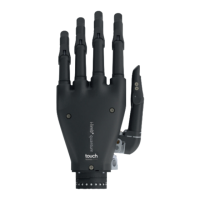
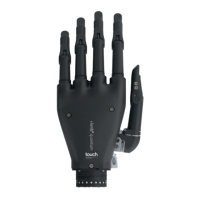
The device number can be found proximal to the thumb base (Fig. ). For extra small hands, or those with
a flexion wrist, the number is located within the chassis.
When connecting your i-Limb hand with the My i-Limb app, the device number will be displayed on the connection
screen. Selecting the number connects the app to your i-Limb hand. Alternatively, when connected to the app your
device number is displayed in the ‘about’ section.
Gesture Control (available only on i-Limb Quantum hands)
Enables an automated grip to be accessed through a smooth motion of the prosthesis in one of four directions
(forward, back, left or right). The grips programmed for each direction are customized to the user’s requirements
using the My i-Limb app.




 To Next Page