User’s Manual (Confidential)
OsteoSys Co., Ltd.
Model Designation : SONOST 3000 DOC. No. : OT06-2R7124
32
3.3 The analysis of how to rotate the screen
The procedure of rotate the screen is as below
This function is NOT applied to all Sonost 3000 devices. The
adopted device will have its serial number starting with AC1TA.
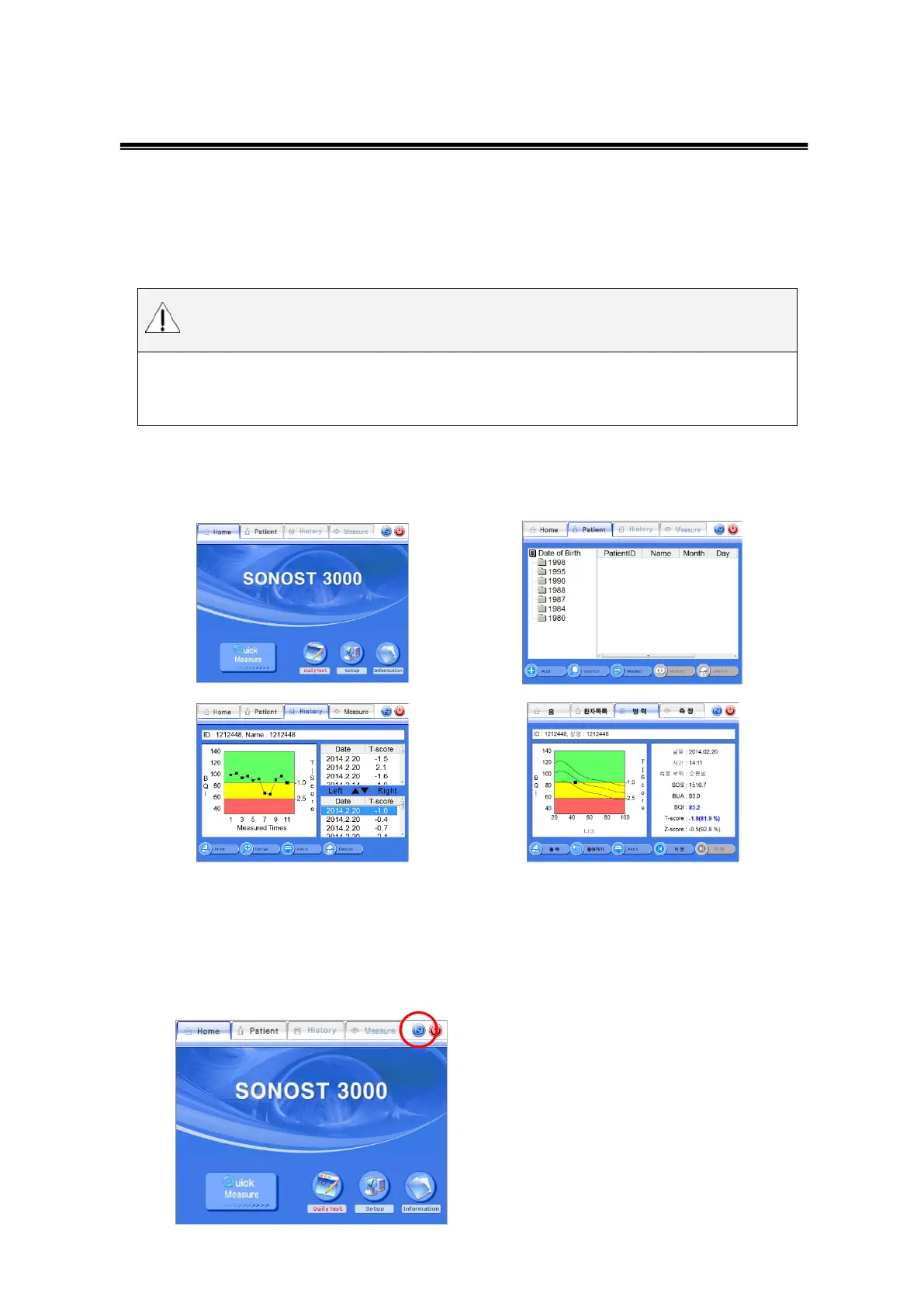
3.3.1 The locations of screen rotation button
The screen rotation button can be found at four different four different screens
3.3.2 The method and sequence order of the screen rotation button
Press the screen rotation button on the top
right side of the screen



 To Next Page