User’s Manual (Confidential)
OsteoSys Co., Ltd.
Model Designation : SONOST 3000 DOC. No. : OT06-2R7124
50
3.4.4 Registration, Modification & Deletion of users
Enter user information accurately.
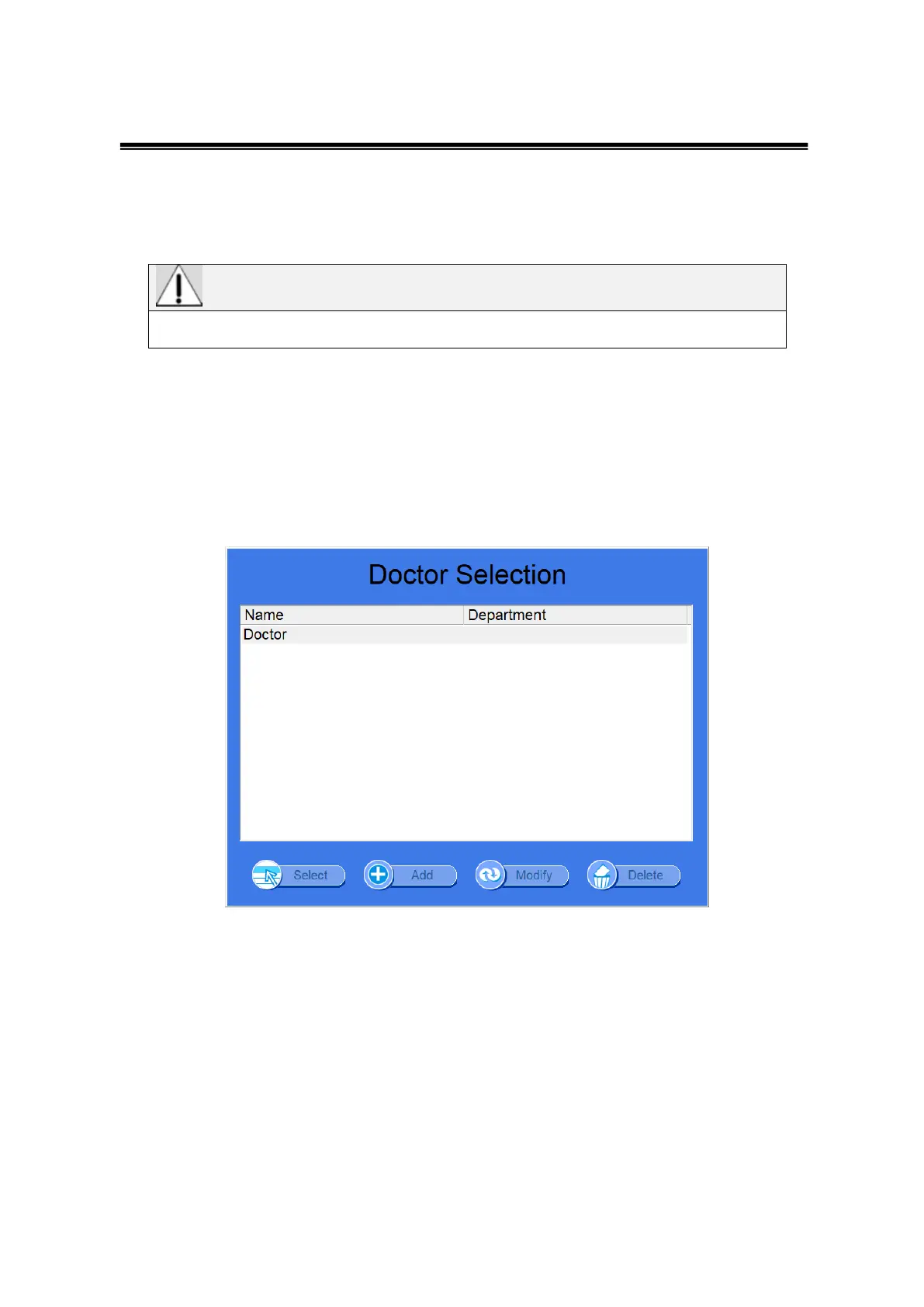
(1) As soon as you configure the user environment, the “Doctor Selection”
window appears as shown below. If you are a registered user(doctor),
click the “Select” button after selecting your name in the “Doctor
Selection” window using the mouse. And then if you enter the password
in the edit box “Password Enter” and click the “OK” button, you can log
in the program.



 To Next Page