English-4
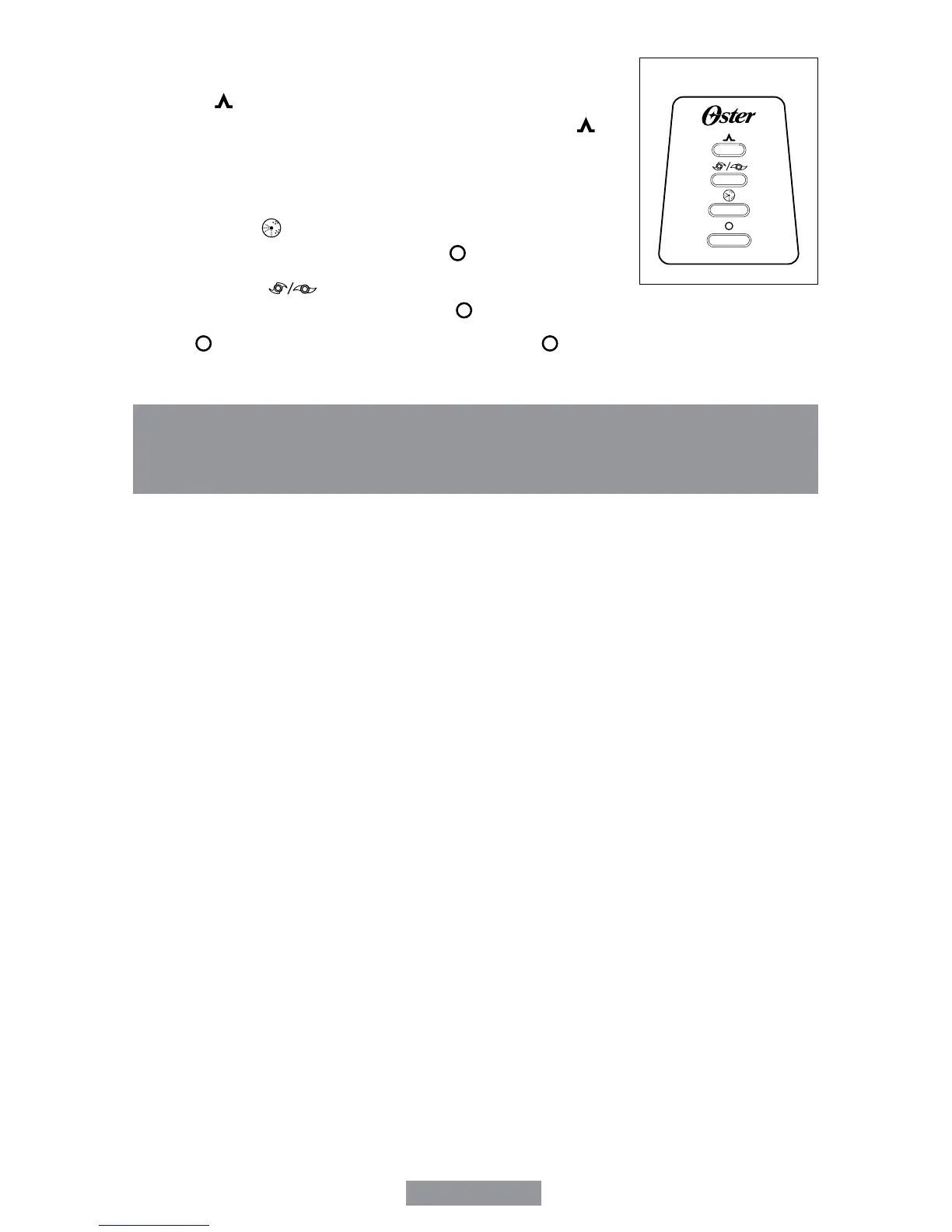
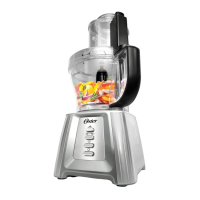
CONTROL PANEL
1. Pulse “ ” - The Pulse button must be pressed and held for
unit to operate. When released, unit will stop. Use pulse “ ” for
short processing tasks, such as chopping nuts, raw meats, or
vegetables. This lets you check processed results and control the
consistency.
2. Shred/Slice “ ” - When this button is pressed, unit runs
continuously on low speed until the off “ ” button is pressed.
3. Chop/Knead “ ” - When this button is pressed, unit runs
continuously on high speed until the off “ ” button is pressed.
4. Off “ ” - Processor should always be left in the off “ ” position when not in use.
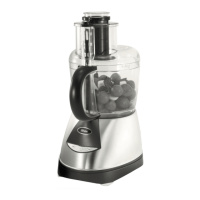
BEFORE USING YOUR OSTER
®
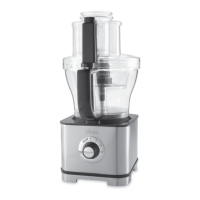
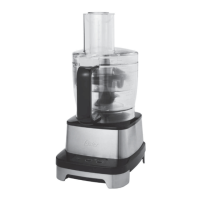
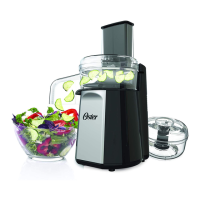
FOOD PROCESSOR
• When unpacking the product and removing packing material, handle the chopping blade
and slice/shred discs carefully: they are very sharp.
• Wash all parts except the Base in hot, soapy water. Rinse them dry. These parts can
also be placed in the dishwasher. Be sure to read the “Care and Cleaning” section of this
manual to learn the correct methods for taking the unit apart and cleaning.
Control Panel



 To Next Page