WELCOME
Congratulations on your purchase of an
OSTER
®
Countertop Oven! If you require service
on your
OSTER
®
Countertop Oven, do not return to place of purchase. Please contact us at
www.oster.com or 1.800.334.0759.
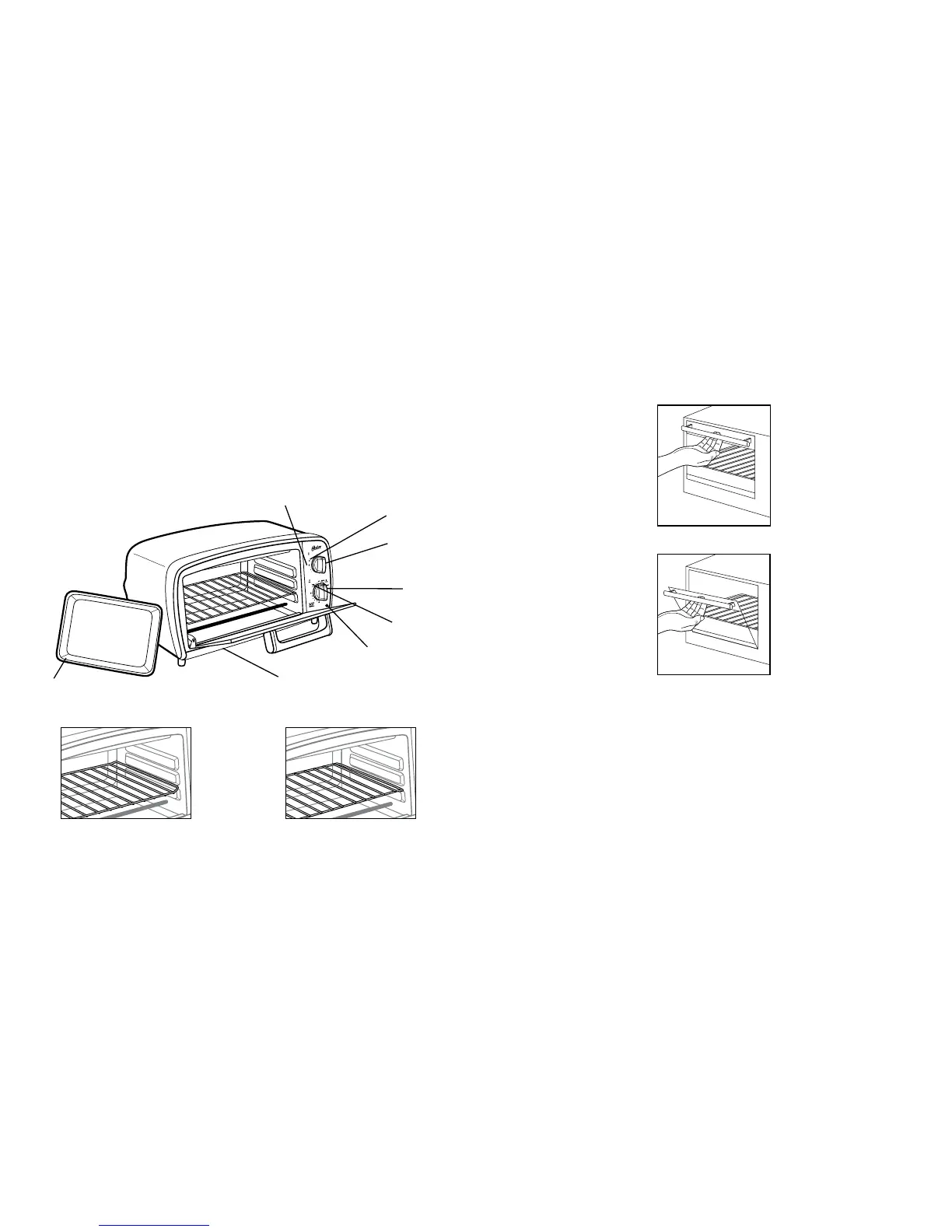
FEATURES OF YOUR COUNTERTOP OVEN
(See Figure 1)
rack in Broil/toast Position
OPERATING INSTRUCTIONS
Your Oster
®
Countertop Oven/Broiler is equipped with all the options of a full-size oven
in a countertop appliance; toasts, bakes and broils.
NOTE: During initial start up you may detect a slight smell and/or smoke. Turn the
temperature to max and let run for approximately 5 minutes.
TO OPEN THE COUNTERTOP OVEN DOOR:
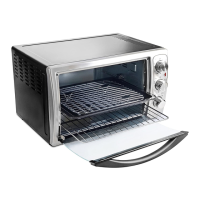
Step 1: Grab the center of the handle underhanded with fingertips (See Figure 2).
Figure 2
Step 2: Pull down the countertop oven door carefully (See Figure 3).
Figure 3
CAUTION: This appliance generates heat during use. Do not touch hot surfaces.
Always use handles or knobs per above instructions.
HOW TO TOAST
1. Place oven rack in Broil/Toast position. Place food on rack.
2. Turn function knob to Toast.
3. Rotate Toast Color Control/Timer Dial clockwise past 10 minutes then back
to desired toast shade.



 To Next Page