OTbeat Burn - Pairing Device
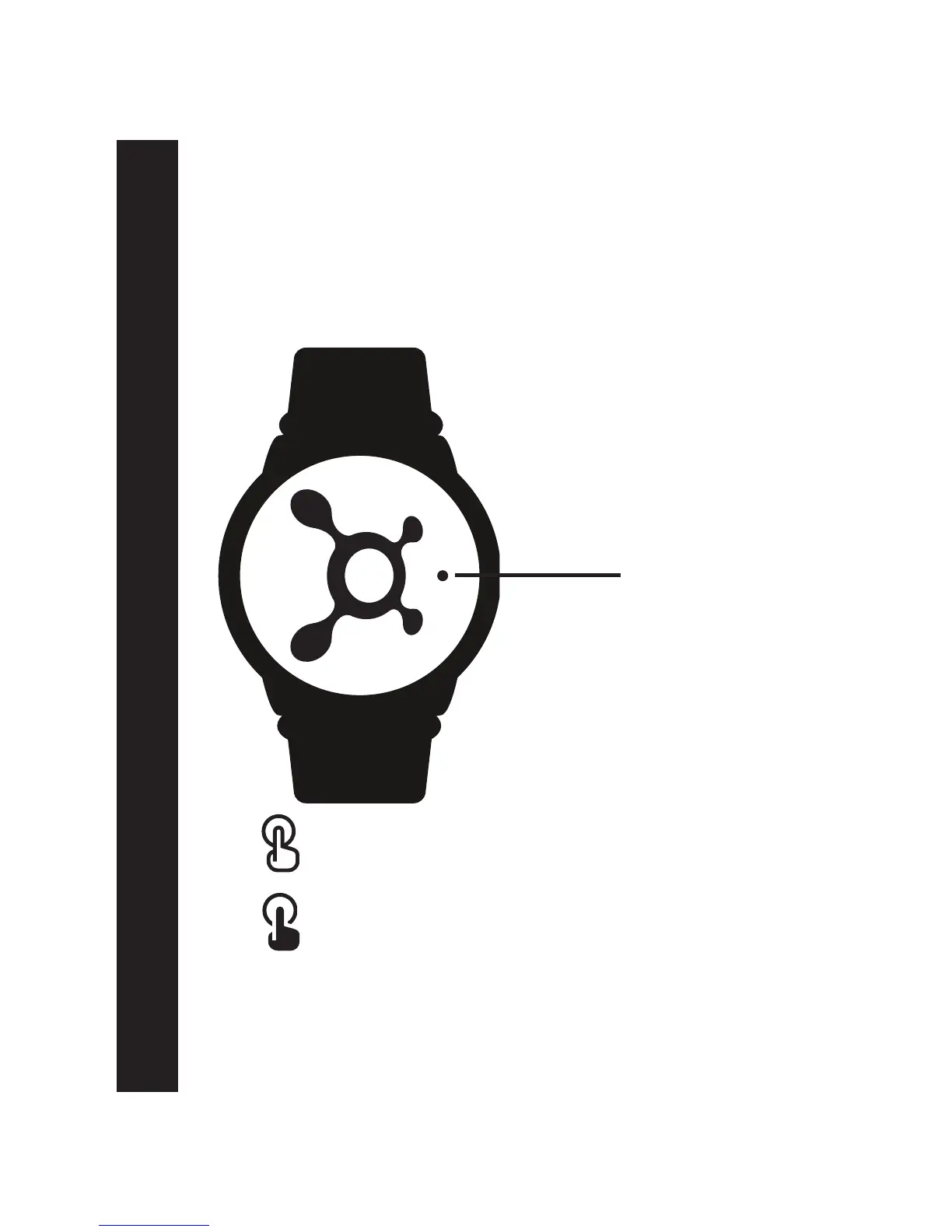
Set power OFF: Long button press
(Red LED light continuously on for 2 seconds then turns off)
Set power ON: Short button press
(Blue LED blinks for 5 seconds)
Pairing Device:
1. Once OTbeat Burn is fully charged, press center of splat to
power ON the device
Event LED light
Page 5


 To Next Page