28
Here is how . . .
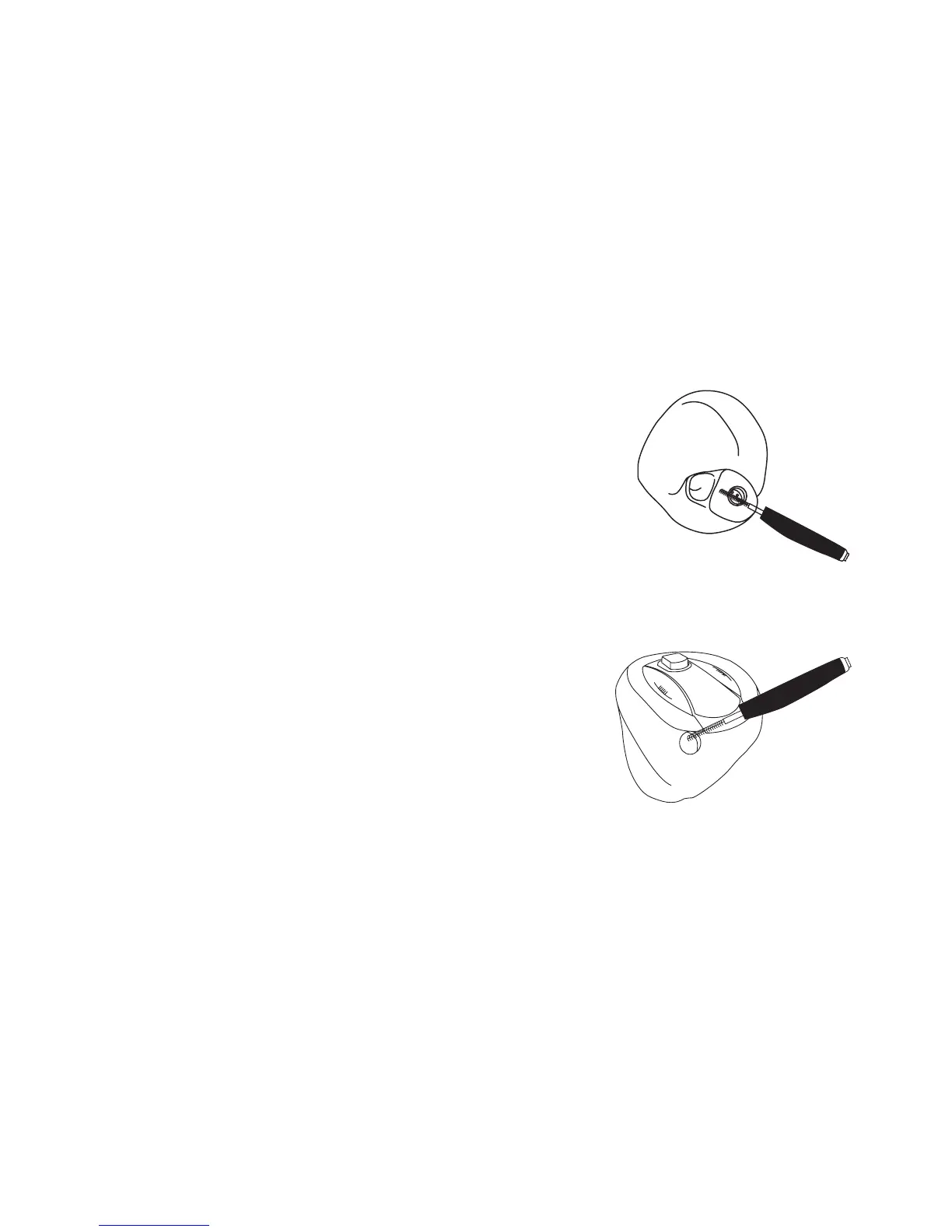
• Use the brush to clean away any traces of wax from
around the sound outlet.
• If microphone openings are clogged by dust or dirt, this
will affect the performance of the instrument.
Carefully brush away visible signs of debris from the
openings while twisting the brush.
• Clean the ventilation openings by pressing the brush
through the hole while twisting it slightly.
• Use the cloth to wipe clean the surface of the
instrument.



 To Next Page