16
About Startup Daily use Warnings More info
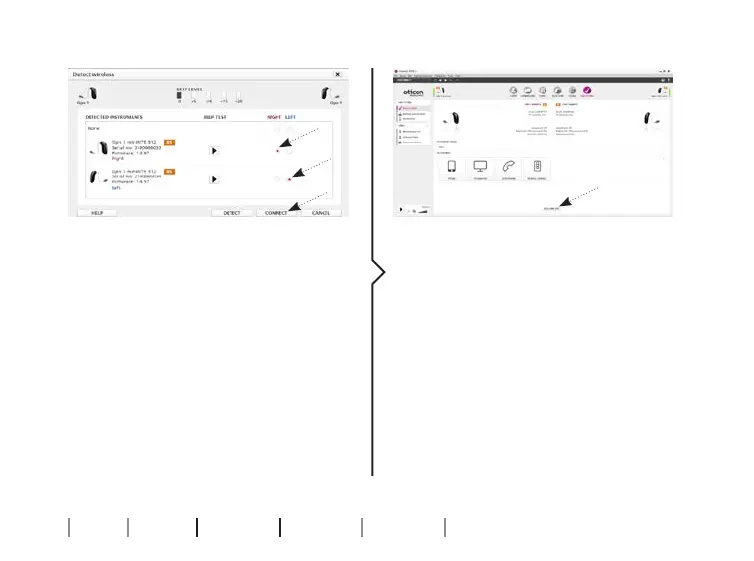
8. In “Detect Wireless “select the
relevant hearing aids from the
instruments list and click
“Connect” to begin the fitting.
9. When the fitting is finished
enter “Save and Exit” and click
“OK” to save and close the
session.



 To Next Page