8
About Startup Daily use Warnings More info
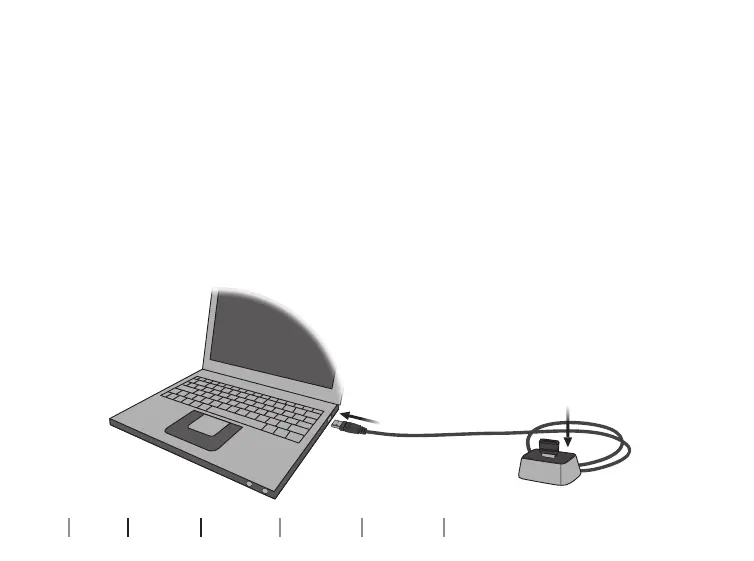
Connect FittingLINK 3.0 to a PC
Before FittingLINK 3.0 can be used as your programming device
for wireless hearing aids, Genie 2 must be installed on your PC.
FittingLINK 3.0 must then be plugged into your PC in one of two
ways:
You can choose to plug FittingLINK 3.0 in the desk stand and
connect the USB cable from the desk stand to the PC [A]
Start up
A



 To Next Page