PAIRING WITH APPLE
For pairing iPhone or iPad with Oticon 2.4 GHz Bluetooth® enabled hearing aids.
1. Begin by putting your hearing aid into pairing mode by turning the hearing aids
off and back on, by either using the button or placing them into a charger.
2. On your device go to Settings > Accessibility > Hearing Devices
3. Your device will search for the hearing aids, once discovered the hearing aids
will appear on the screen.
4. Choose 'Pair' for each hearing aid.
PAIRING WITH ANDROID
For the best functionality, we recommend pairing all Android phones through the
Oticon Companion App.
1. Begin by opening the Companion App.
2. Follow the directions on how to connect to the hearing aids:
a. Turn the hearing aids off and back on to put it into pairing mode
b. The aids should appear on the screen
c. Follow the prompts on the screen to connect
ASHA compatible Android devices*, allow direct streaming to Sirius, Polaris R and
Polaris** hearing aids.
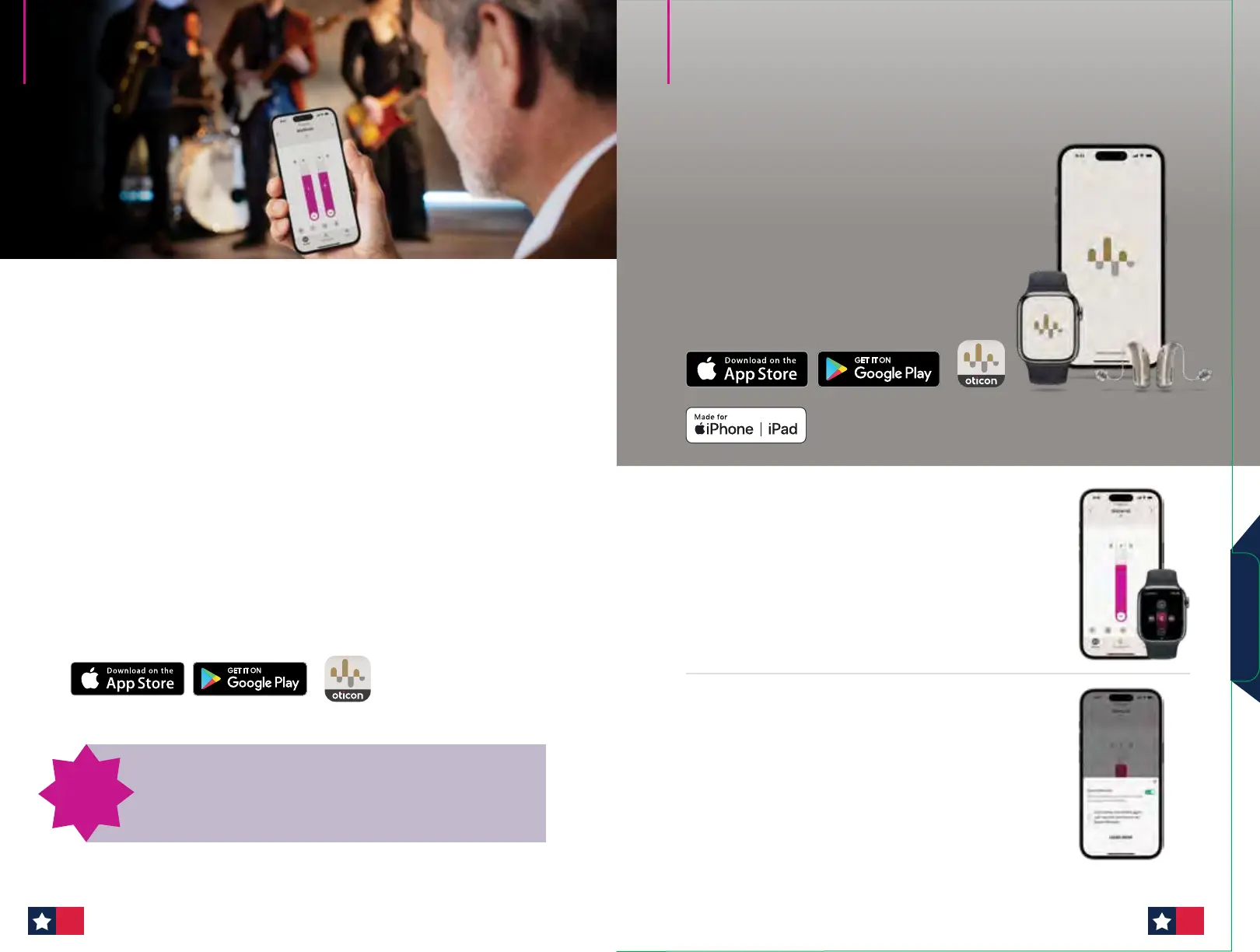
The Oticon Companion app is available for Android™ and iPhone/iPad
1. From the device, search for Oticon Companion in the App Store or
Google Play Store.
2. Follow the prompts to install the app.
* Android™ devices need to support ASHA to allow direct streaming.
Please visit oticon.com/support/compatibility for more information.
** Only for hearing aids with 2.4 GHz technology.
How to pair hearing aids
to a smartphone
Introducing Bluetooth® LE Audio with Android Devices.
Hands-free communication is only available for Sirius
platform instruments with select Android devices. Please visit
oticon.com/support/compatibility for more information.
New for
Oticon
Intent
Apple, the Apple logo, iPhone, iPad, and iPod touch are trademarks of Apple Inc.,
registered in the U.S. and other countries. App Store is a service mark of Apple Inc.
Android, Google Play, and the Google Play logo are trademarks of Google LLC.
Oticon Companion combines the best of the
Oticon ON and Oticon RemoteCare apps, plus
new features and functionality based on input
from users and hearing care professionals. It’s
an all-in-one solution that improves the user
experience, helps ease acceptance, and
inspires your patients to get the most out of
their hearing aid experience.
More intuitive, discreet control
What’s in it for
your patients:
• New interface with
improved usability on
phone and Apple Watch®*
• Intuitive hearing aid
control
What’s in it for you:
• Reducing stigma and
easing acceptance
• More opportunities for
patient satisfaction
Greater support in noise
What’s in it for
your patients:
• Toggle on
SpeechBooster** to
enhance speech and
reduce background noise
What’s in it for you:
• Giving your patients more
options for speech clarity
and comfort in noise
Empower your patients.
Support your success.
*For Apple Watch Series 4 or later running watchOS® 8 or later.
**Only available for Oticon Intent, Oticon Real, Oticon More, Oticon Own with 2.4GHz, Oticon Play PX,
Oticon Opn S, Oticon Opn Play, Oticon Xceed, Oticon Xceed Play.
Companion App
4746


 To Next Page
 Loading...








