P1
0 0
36 37
About Installation Daily use Warnings Additional information
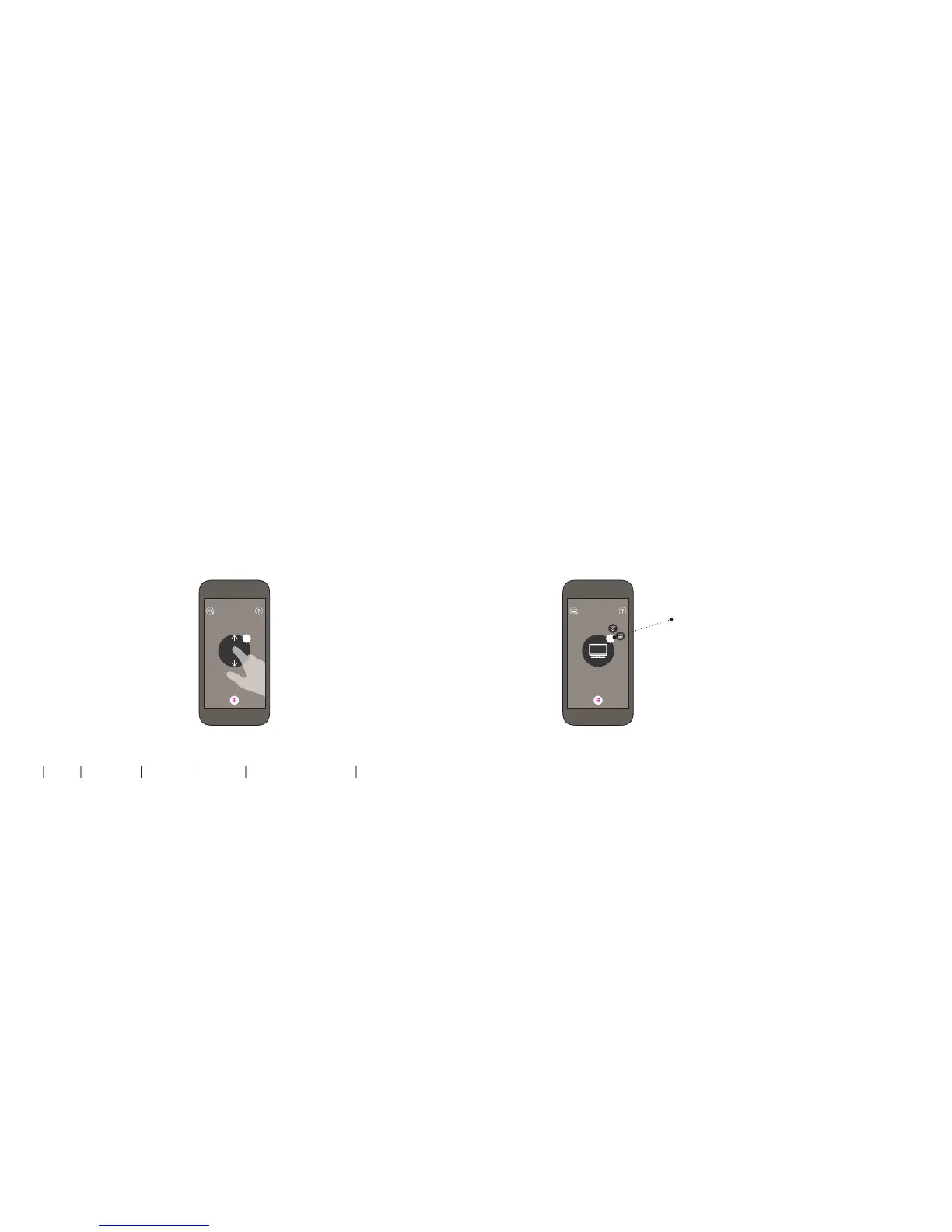
Volume control using the Oticon ON app
Swipe your finger up or down to adjust the volume.
Mute using the Oticon ON app
While watching TV you can switch off the microphones in your
hearing aids, so that only the sound from the TV is heard.
Press the volume indicator to mute
the surrounding sounds. You will hear
a confirmation beep indicating that
the microphones in the hearing aids
are now muted.
To unmute simply press the volume
indicator again, or swipe your finger
up or down to adjust the volume.


 To Next Page