PRODUCT INFORMATION
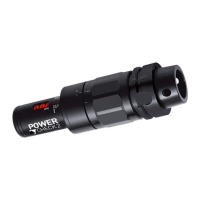
PULL-FORCE MEASUREMENT SYSTEM POWER-CHECK 2
5.4 MEASURED VALUES
5.4.1 Display measured values
It is possible to display the last measurements directly on the system. These measurements are
compiled in a stack. In order to access this function on an activated device, do the following:
Stack mode
push 1 second
The following information is displayed: stack number (n01), ID (i05), measured value [kN]
(18.6) in temporal sequence.
The stack number is not identical with the consecutive measured value number! Stack
number one always represents the number of the last measurement.
An example:
Stack number
Consecutive
number
001
255
002
254
003
253
004
252
005
251
A maximum of 20 of the most recent measurements are displayed. Older measured
values are deleted.
Leave stack
mode
push
mode
until the display changes to manual mode
Delete stack If the stack should be deleted completely: change into the stack mode, push
clear
until - - - appears
The stack has been deleted. No measured values can be accessed directly on the
measuring device. But all measured values remains stored.
POWER-CHECK-2_PE_2015-09
Subject to modification due to technical advance! // 22


 To Next Page
 Loading...