5
Firmware Update
Firmware update is NOT recommended when everything works well.
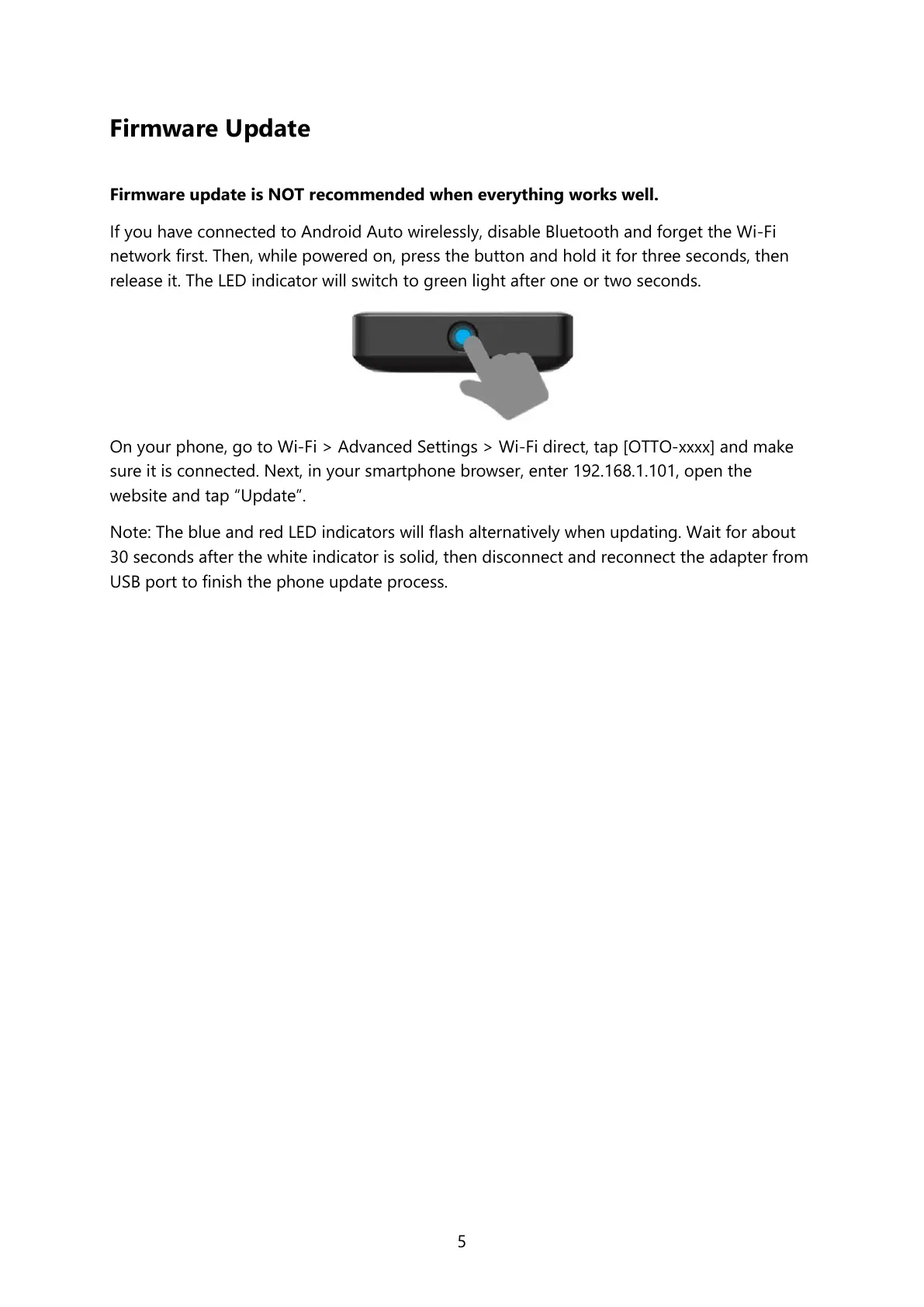
If you have connected to Android Auto wirelessly, disable Bluetooth and forget the Wi-Fi
network first. Then, while powered on, press the button and hold it for three seconds, then
release it. The LED indicator will switch to green light after one or two seconds.
On your phone, go to Wi-Fi > Advanced Settings > Wi-Fi direct, tap [OTTO-xxxx] and make
sure it is connected. Next, in your smartphone browser, enter 192.168.1.101, open the
website and tap “Update”.
Note: The blue and red LED indicators will flash alternatively when updating. Wait for about
30 seconds after the white indicator is solid, then disconnect and reconnect the adapter from
USB port to finish the phone update process.


 To Next Page