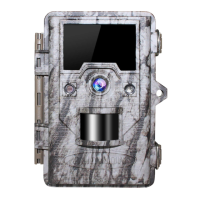
Please attach the camera to a suitable place, the height away from the ground for placing the
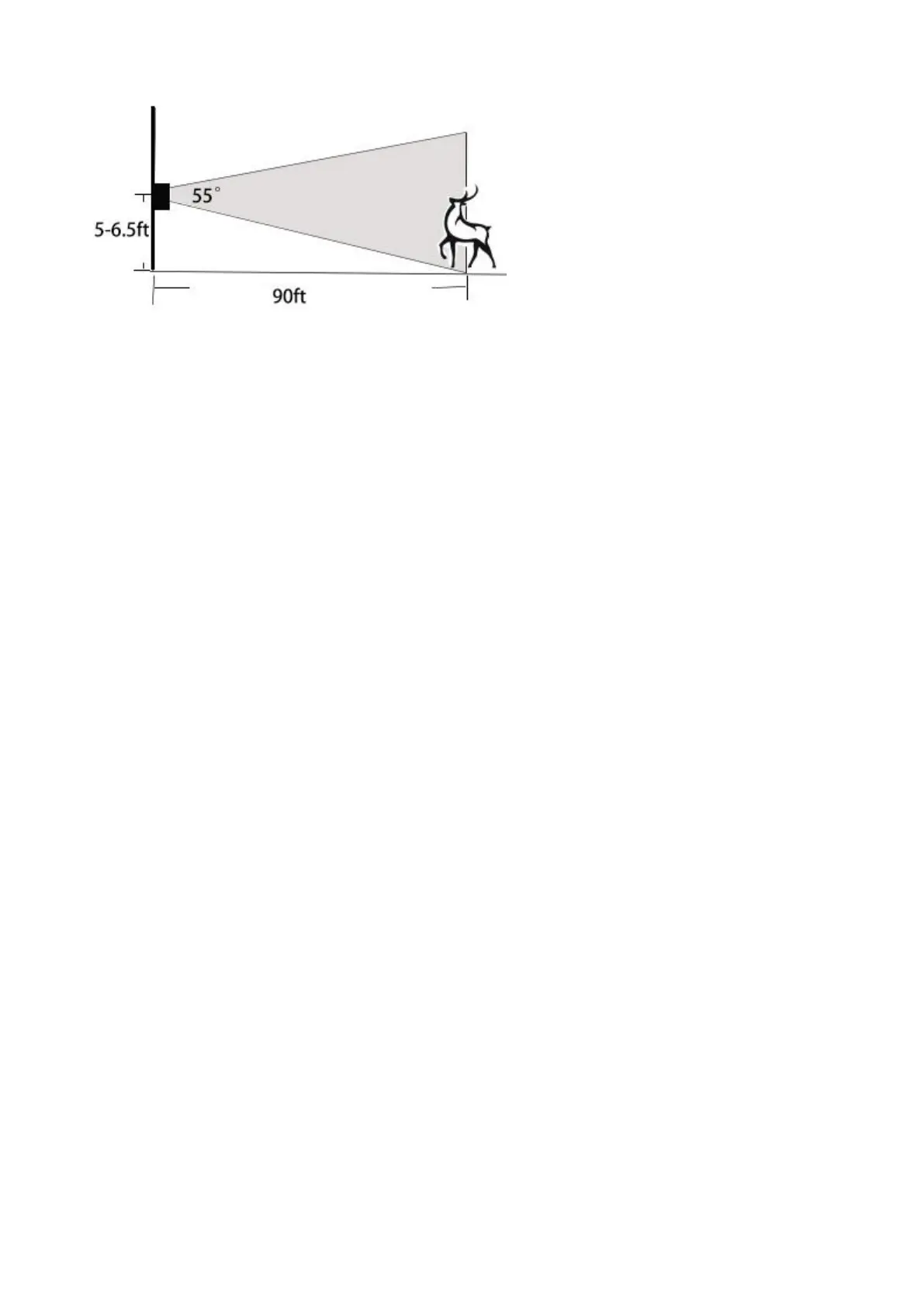
camera should vary with the animal size appropriately. In general, 3 to 6 feet is preferred.
5 meters away from the place to be monitored, try to place the camera at a height of 5-6.5 ft.
(1.5 ~ 2 m).
5. Sensing Angle and Distance Test
:
Switch to SETUP Mode - make a horizontal movements (not a vertical walk) in front of the
camera at several positions within the area where you expect the game or subjects to be.
1. If the motion indicator LED light blinks, it indicates that position can be sensed.
2. If it does not blink, that position is outside of the sensing area.
Try different distances and angles from the camer, the results of your testing will help you find
the best placement when mounting and aiming the OUDMON Cam.
Please do the horizontal movement in front of the PIR. Vertical movement could not detect
correctly.
>Note
To avoid potential false triggers due to temperature and motion disturbances in front of the
camera, please not aim it at a heat source or nearby tree branches or brush (especially on
windy days).
6. Switching ON the Camera
Once you switch to the ON mode, the motion indicator LED (red) will blink for about 5 seconds.
This gives you time to close and lock the front cover of the OUDMON Cam and then walk away.
After it stops blinking, the PIR is active, and any motion that is detected by it will trigger the
capture of photos or videos as programmed in the SETUP Menu.
Please note, the PIR is strongly sensitive to ambient temperature. The greater the temperature
difference between the environment and your subject, the farther the possible sensing distance.
Before leaving the camera unattended, please check for the following:
Are the batteries inserted/connected with correct polarity and is the power level sufficient?
Does the SD card have sufficient available space; does its write-protection switch off (lock) ?
Does the power switch in the ON position? (do not leave it in the SETUP position).


 To Next Page
 Loading...