S3 User Guide 19 PN 875-0196-000 Rev C1
Chapter 2: Installation and Setup
Table 2-3 describes the buttons and fields on the Setup screen.
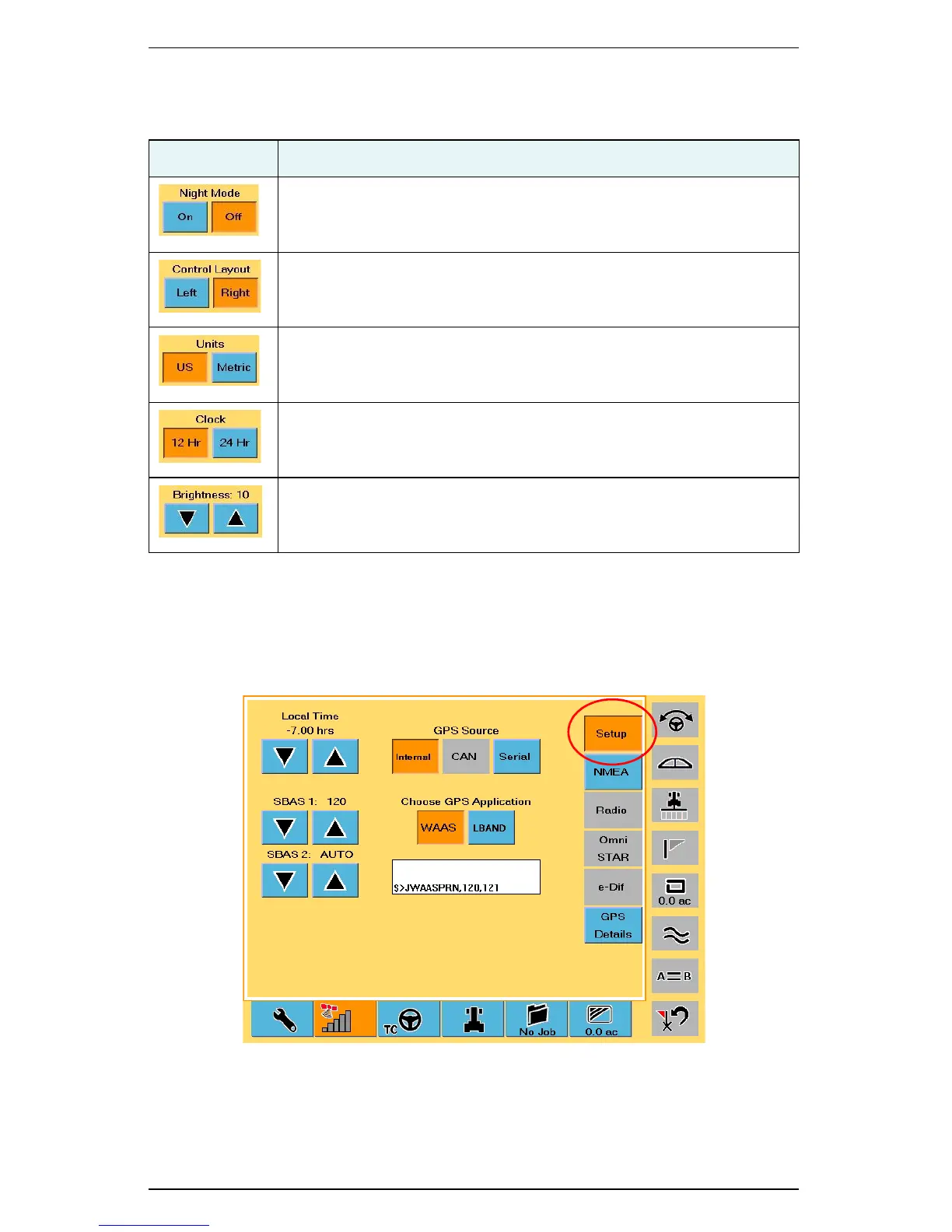
Configuring GPS Settings
The GPS Setup screen has various settings that relate to the type of GPS differential
correction the system uses. Several of the fields on the GPS Setup screen provide
useful diagnostic information.
Figure 2-5: GPS Setup screen
Table 2-3: Display screen button and field descriptions
Button/Field Description
Night Mode
Set the display for easy viewing in daytime or nighttime lighting.
Control Layout
Set the control buttons on either the left or the right side of the screen
for your preferred access.
Units
Set the unit of measurement (US or Metric) in which the system
displays and records all measurements.
Clock
Set the clock to either a 12-hour or 24-hour format.
Brightness
Adjust the display brightness—range is 1 (dim) to 10 (bright).



 To Next Page