S3 User Guide 27 PN 875-0196-000 Rev C1
Chapter 3: Basic Operation
Using Machine Mode Views
Use Machine mode views to “follow” the machine while work is in progress. In this
view the map moves while the vehicle appears stationary on the screen. See
“Selecting Modes and Views” on page 26 on how to select the desired Machine mode
view.
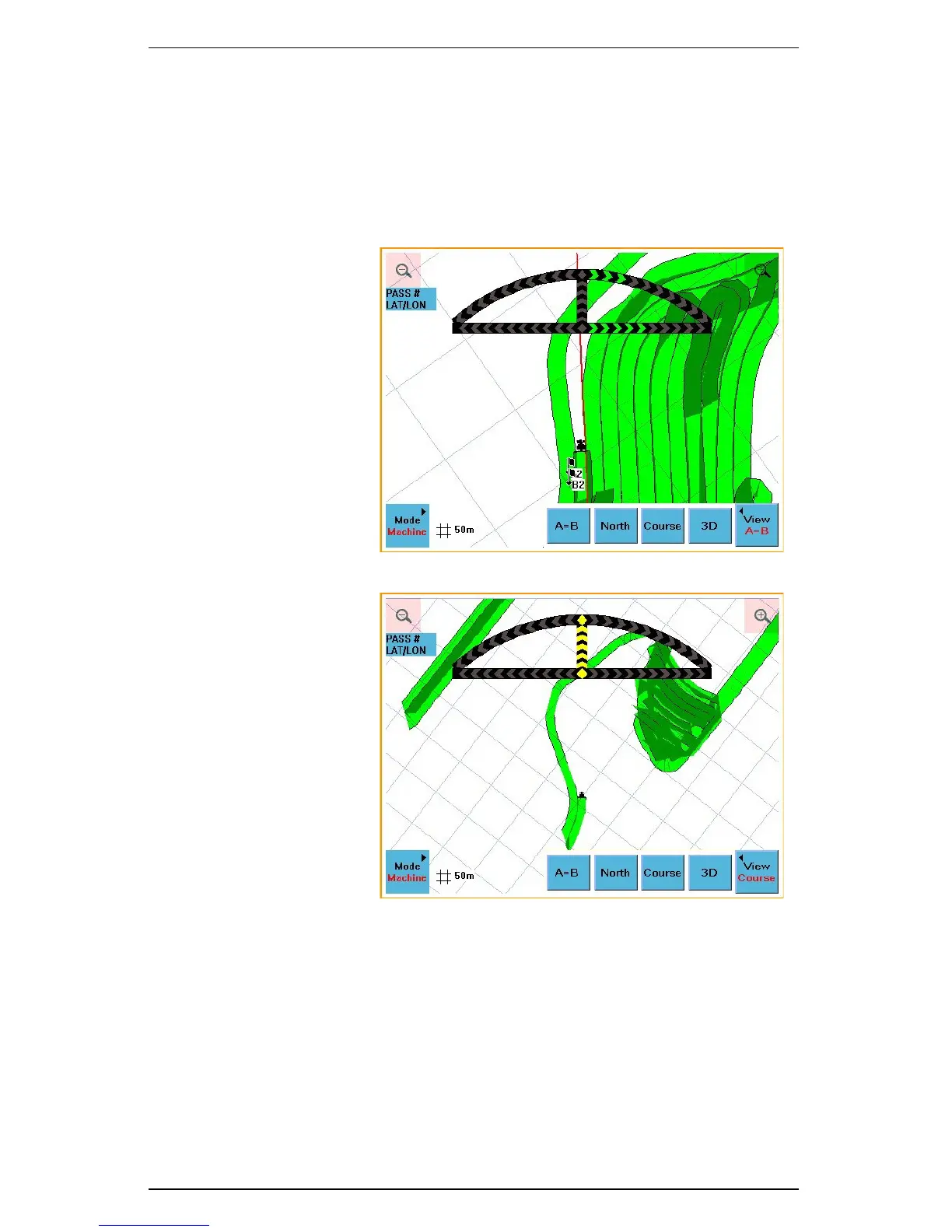
There are four different Machine mode views: AB, Course, North, and 3D.
In the AB perspective, the
A=B line direction is
always at the top of the
screen.
Figure 3-2: AB perspective
In the Course
perspective, the direction
of travel is always at the
top of the screen.
Figure 3-3: Course perspective



 To Next Page