S3 User Guide 34 PN 875-0196-000 Rev C1
Chapter 3: Basic Operation
Marking Point A and Entering a Heading Manually
1. Position the vehicle at the beginning of the
first pass.
2. Touch the Straight Guidance control
button. The Straight Guidance window
appears.
3. Touch the Set A button to mark Point A.
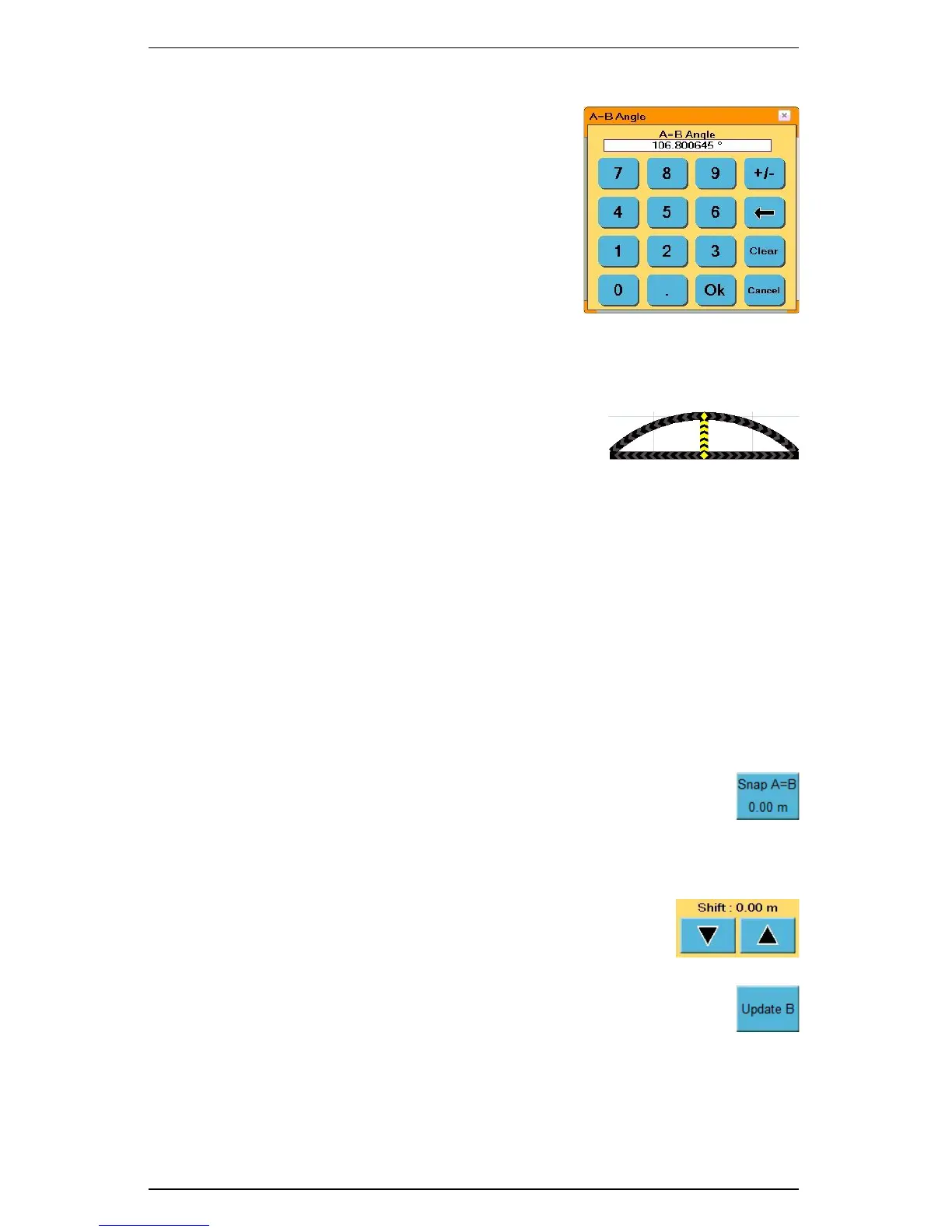
4. Touch the A=B Angle field. The A=B Angle
window appears.
5. Enter the direction (angle) and touch the Ok
button. The S3 applies the A-B line.
Beginning Straight Guidance
After setting the A-B line, the S3 automatically begins guiding.
1. Turn the steering wheel in the direction indicated
by the Steering Guide lightbar to remain
centered on the current pass.
2. At the end of the current pass, turn around. The
S3 automatically detects the next pass and begins guiding.
Switching Modes
You can switch the S3 guidance modes by touching the Straight Guidance or Contour
Guidance control button. When switching to straight mode for the second time, you
can set a new A-B line by touching the Set A button and then the Set B button. To
proceed without setting a new A-B line, touch the Straight Guidance control button
.
Adjusting the A-B Line
While operating in Straight Guidance mode, you can adjust the A-B line on-the-go,
that is, without interrupting normal guidance operation. This feature is especially
useful to correct for DGPS drift over time.
• Snap A-B: You can “snap” the A-B line to the vehicle’s current
location parallel to the original A-B line. The Snap AB feature is
best used to insert a required gap between consecutive parallel
swaths (for example, a conservation barrier strip). The Snap A=B
button displays the distance (in ft. or m) the A=B line was moved when you
touched the Snap A=B button.
• Shift A-B: You can shift the A-B line left or right in small
increments rather than re-establishing a new A-B line. The
Shift buttons display the distance (in ft. or m) the A=B line
was moved when you touched the Shift Arrow buttons.
• Update B Point: If you need to correct the B point, you can
adjust the A-B line by touching the Update B button on the initial
pass.


 To Next Page
 Loading...
