S3 User Guide 36 PN 875-0196-000 Rev C1
Chapter 3: Basic Operation
Using a Previously Defined A-B Line
1. While in Straight Guidance mode, touch the Straight Guidance control
button. The Straight Guidance window appears.
2. Touch the Previous A=B button. The AB Lines window appears.
3. Select the A-B line you want to use from the list and touch the OK
button. The selected A-B line is set as the guidance line.
Returning to a Previously Recorded Point
1. While in Straight Guidance mode, touch the Straight Guidance control
button. The Straight Guidance window appears.
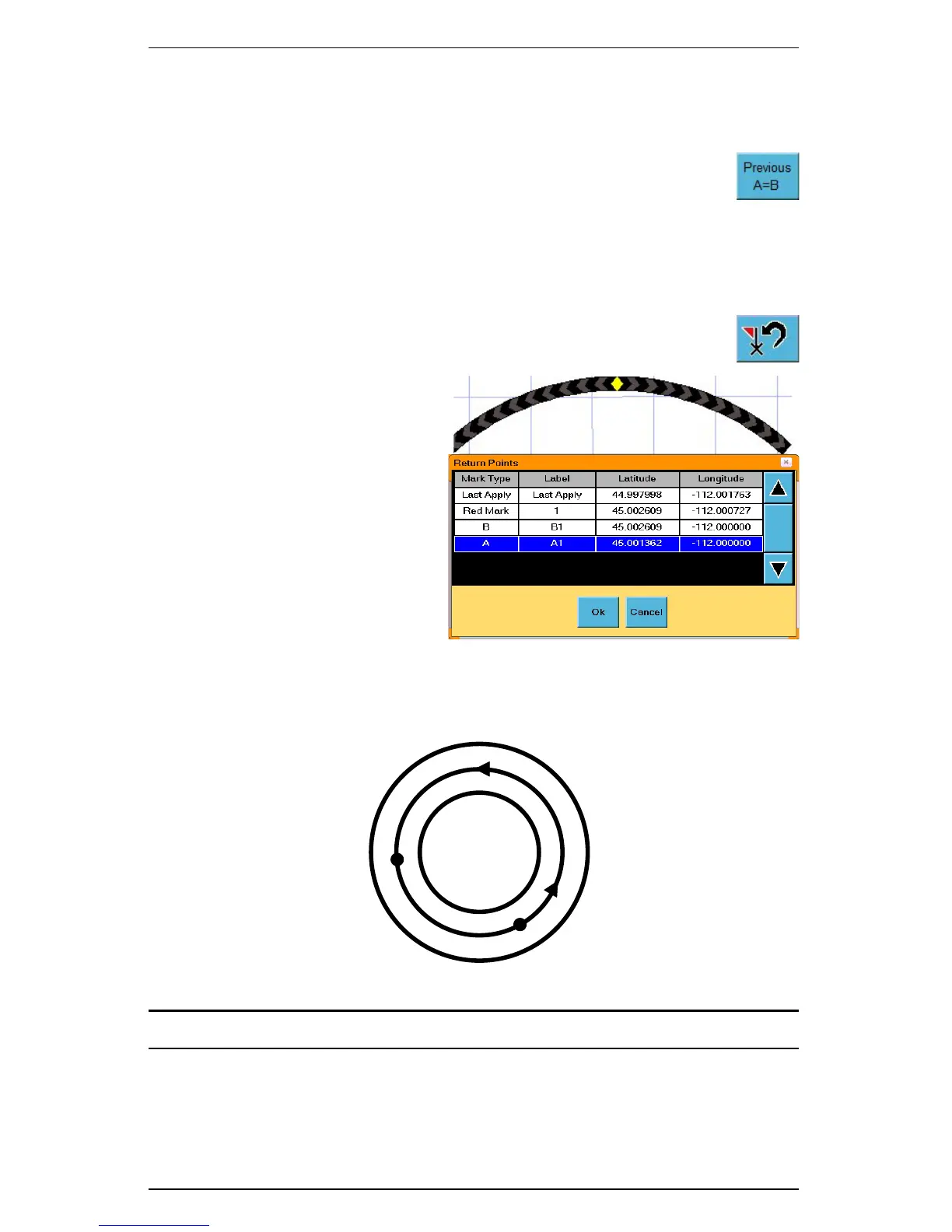
2. Touch the Return to Point control button. The Return Points
window appears.
3. Select the return point you
want to use from the list
and touch the OK button.
The Map screen displays
the Return to Point guide to
guide you to the selected
point.
Creating Pivot Paths: Pivot guidance is similar to straight guidance except that you
define the circumference of a circle rather than a straight line with A and B points. To
do so, drive as much of the circumference of a representative circle as possible.
Note: The more of the circumference you drive, the better the S3’s accuracy.
End log
Pass numbers
Begin log
+1
0
-1


 To Next Page
 Loading...
