S3 User Guide 46 PN 875-0196-000 Rev C1
Chapter 4: Advanced Features
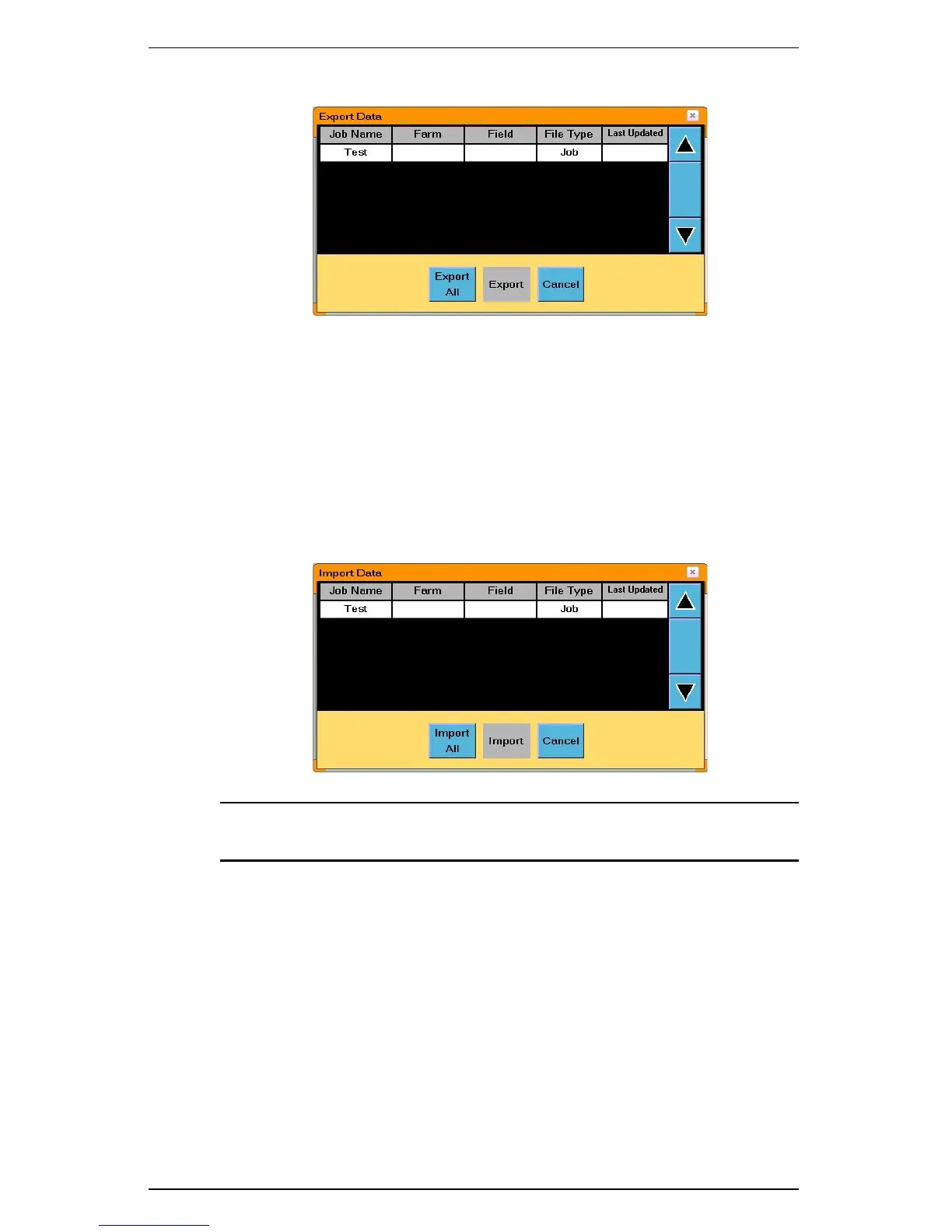
3. Touch the Export button. The Export Data window appears.
4. Select the job data (which includes associated templates) to export and then
touch the Export button or touch the Export All button to export all job
data. A confirmation message appears.
5. Select Ye s to continue. The data is exported.
Importing Job Data from the USB Drive
1. Insert a USB drive into the USB port on the side of the S3.
2. On the S3 touch the Job tab.
3. Touch the Import button. The Import Data window appears.
Note: Only job data contained in the S3jobs folder on the USB drive will
appear in the Import Data window.
4. Select the data files to import and then touch the Import button or touch the
Import All button to import all data files. A confirmation message appears.
5. Touch Ye s to continue. The job is imported.



 To Next Page