S3 User Guide 48 PN 875-0196-000 Rev C1
Chapter 4: Advanced Features
Continuing a Job
To continue working with your most recent job:
• On the Jobs screen touch the Continue button. The most recently closed
job (and its data) is activated.
Clearing Job Notes
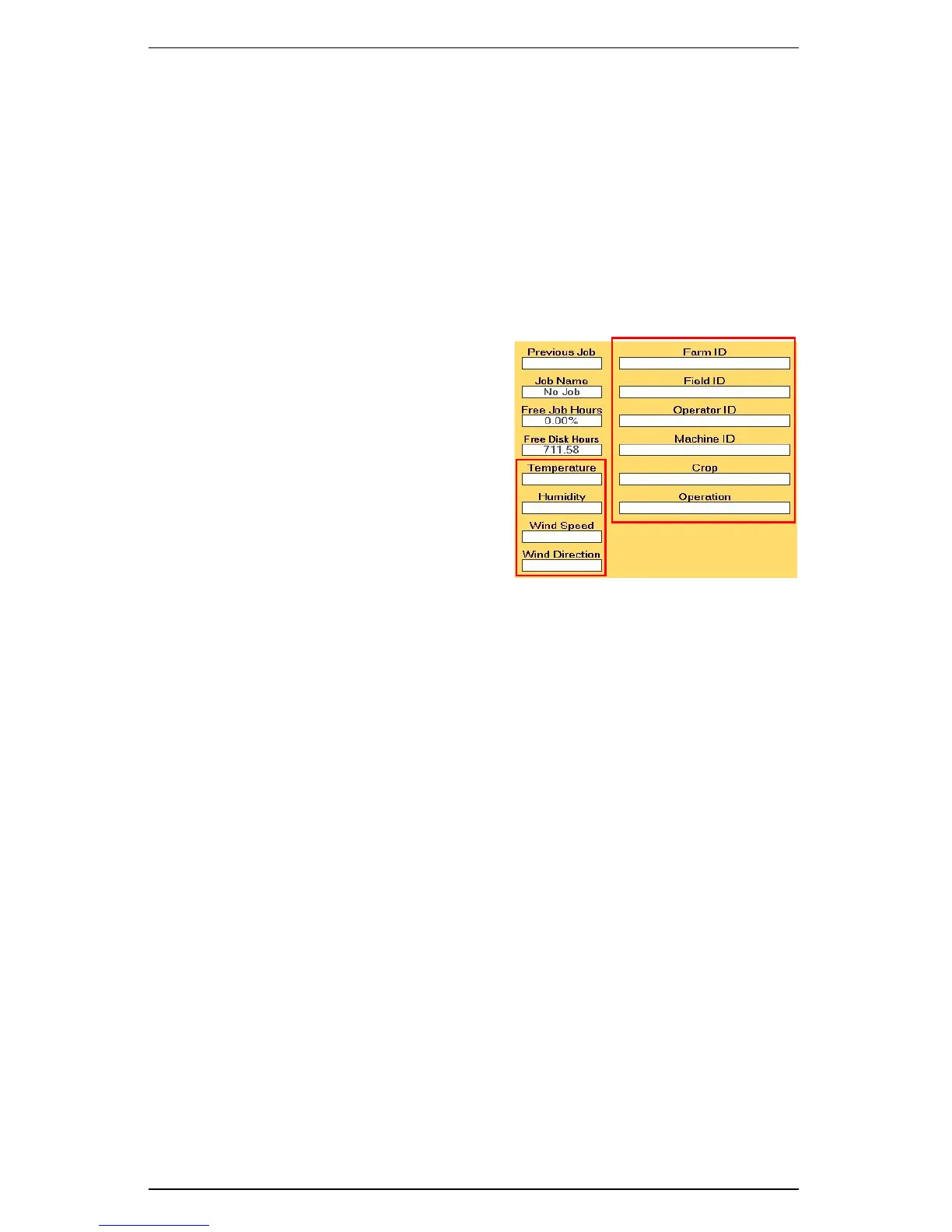
You have the option of clearing the contents of all job annotation fields (Farm ID, Field
ID, Operator ID, Machine ID, Crop, Operation, Temperature, Humidity, Wind Speed,
and Wind Direction).
To clear job notes:
• On the Jobs screen touch the Clear
Notes button. Job notes are cleared
from the fields shown at right.



 To Next Page