S3 User Guide 49 PN 875-0196-000 Rev C1
Chapter 4: Advanced Features
Creating Guidance Lines
Guidance lines provide a regular pattern over an area by which to guide. There are
three line display options available and you select your option in the Lines field of the
Vehicle screen: Off, A-B, and Grid.
Off
Off displays A and B points and the
current A-B line without any
additional guidance lines.
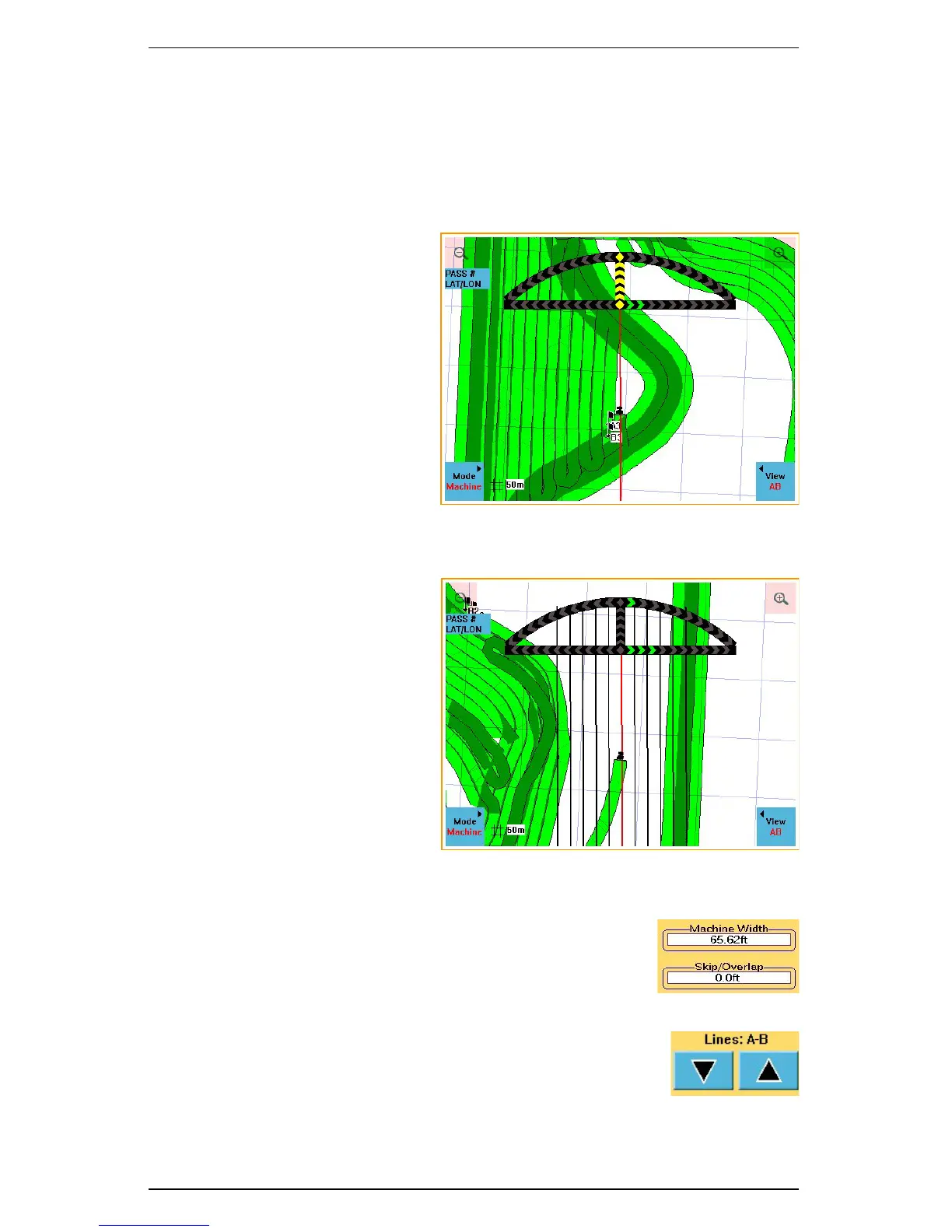
A-B
A-B displays guidance lines that
run parallel to the A-B line. The
parallel lines are spaced a swath
width apart and are centered off the
A-B line. The red line indicates the
line on which the vehicle is
currently aligned.
Setting Up Parallel A-B Lines
1. Enter the machine width in the Machine Width field on
the Vehicle screen.
2. If any skip or overlap is required, enter its value in the
Skip/Overlap field. The S3 adds this value to the
Machine Width value to calculate the Swath Width.
3. Toggle the arrows on the Lines field on the Vehicle
screen to “A-B”.
4. Set an A-B line in the desired direction. Parallel lines
display on either side of the A-B line.



 To Next Page